Back to category
General
January 2026
How to switch the system currency
Temporary Description
How to switch the system currency
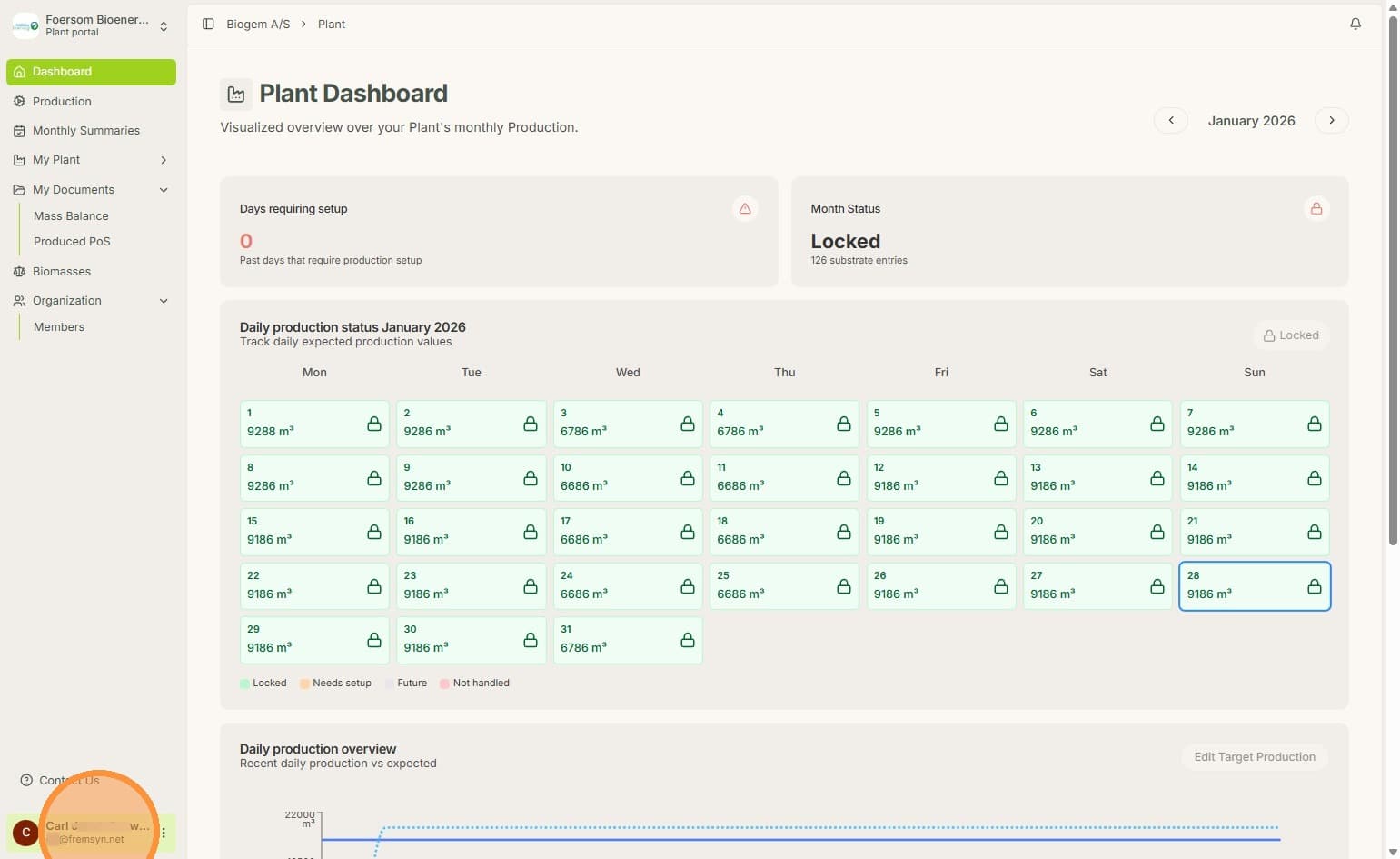
1. On any Biolens page, click your Name
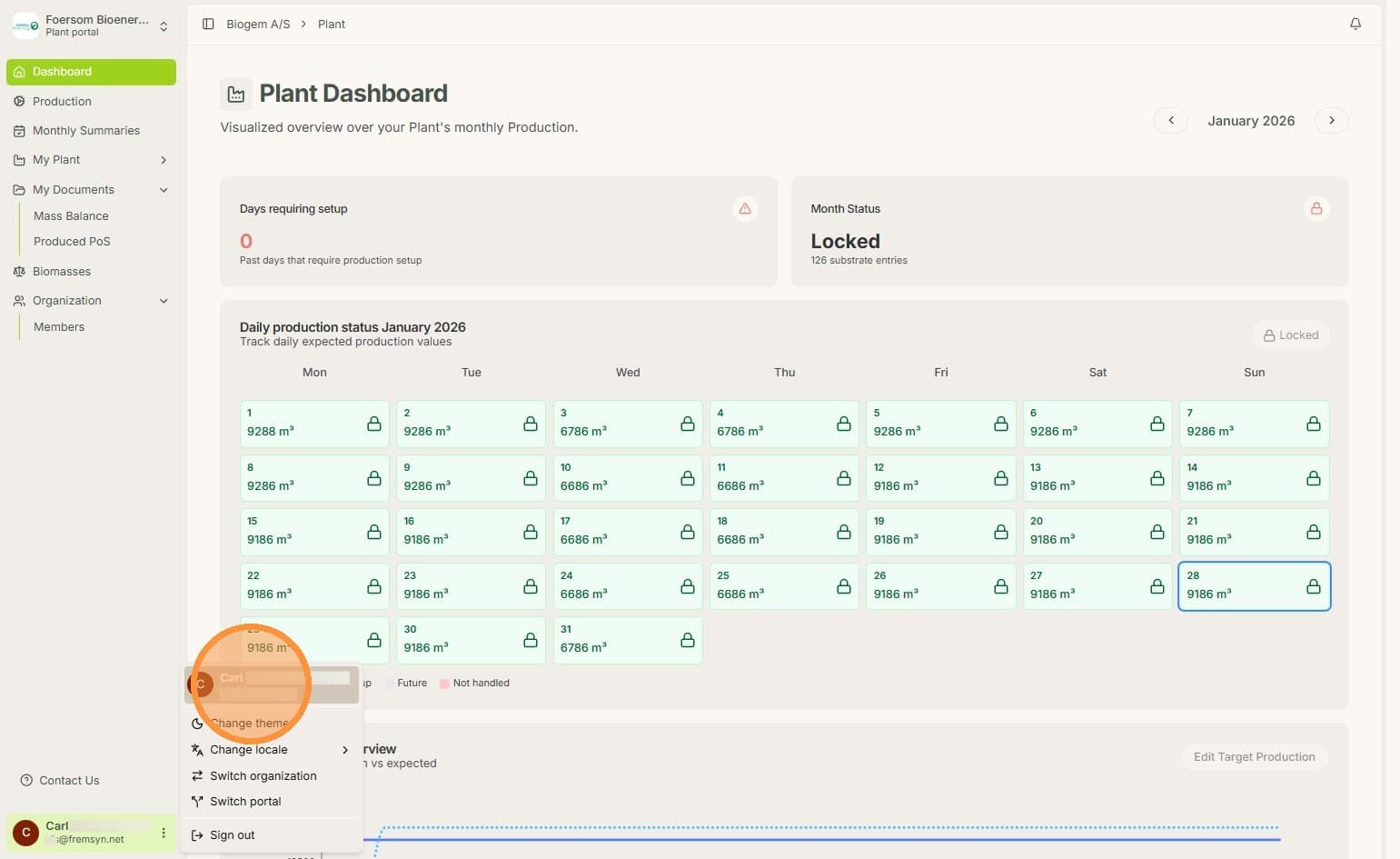
2. In the Options, click on your name again.
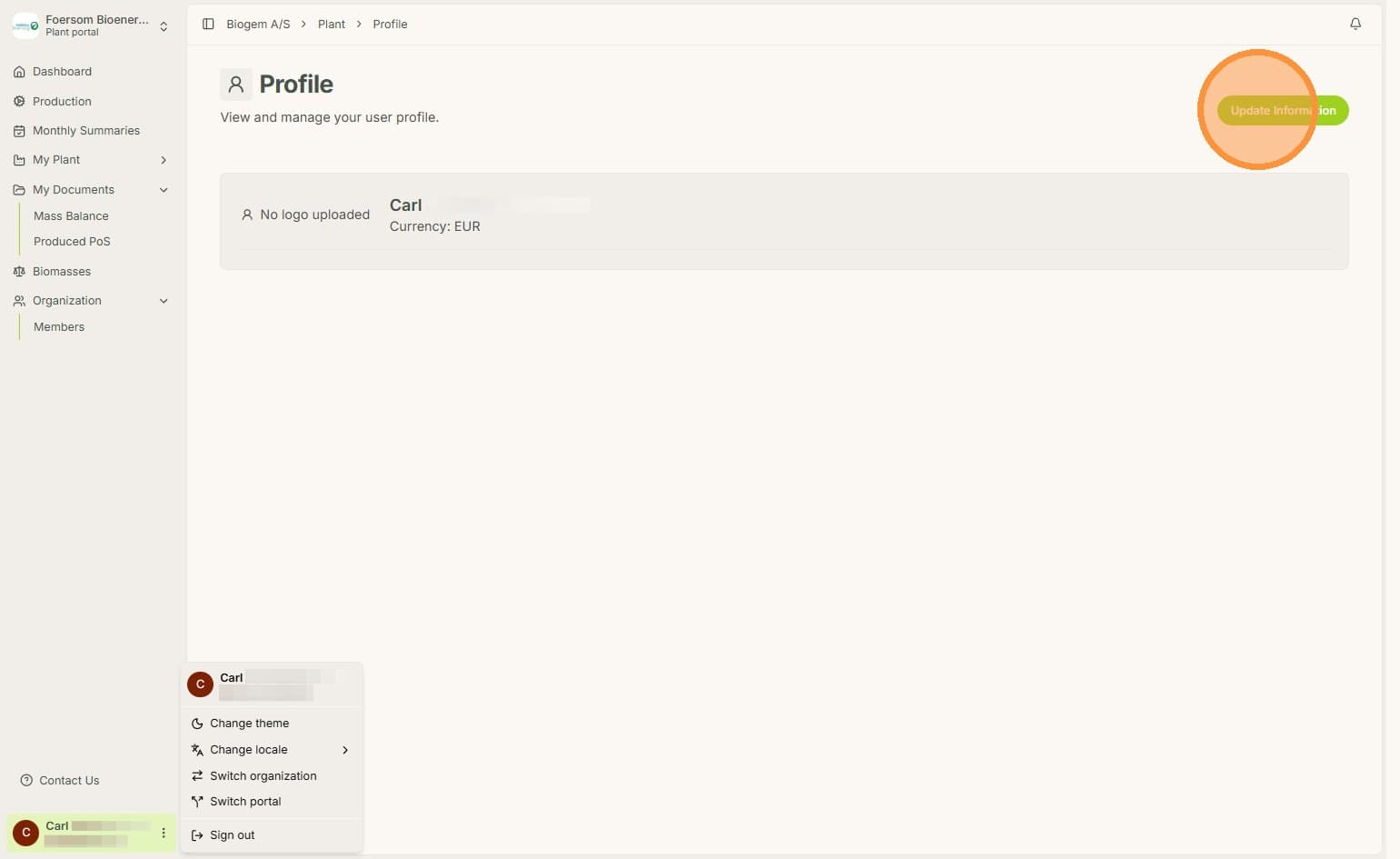
3. Click update information.
4. Click on the currency.
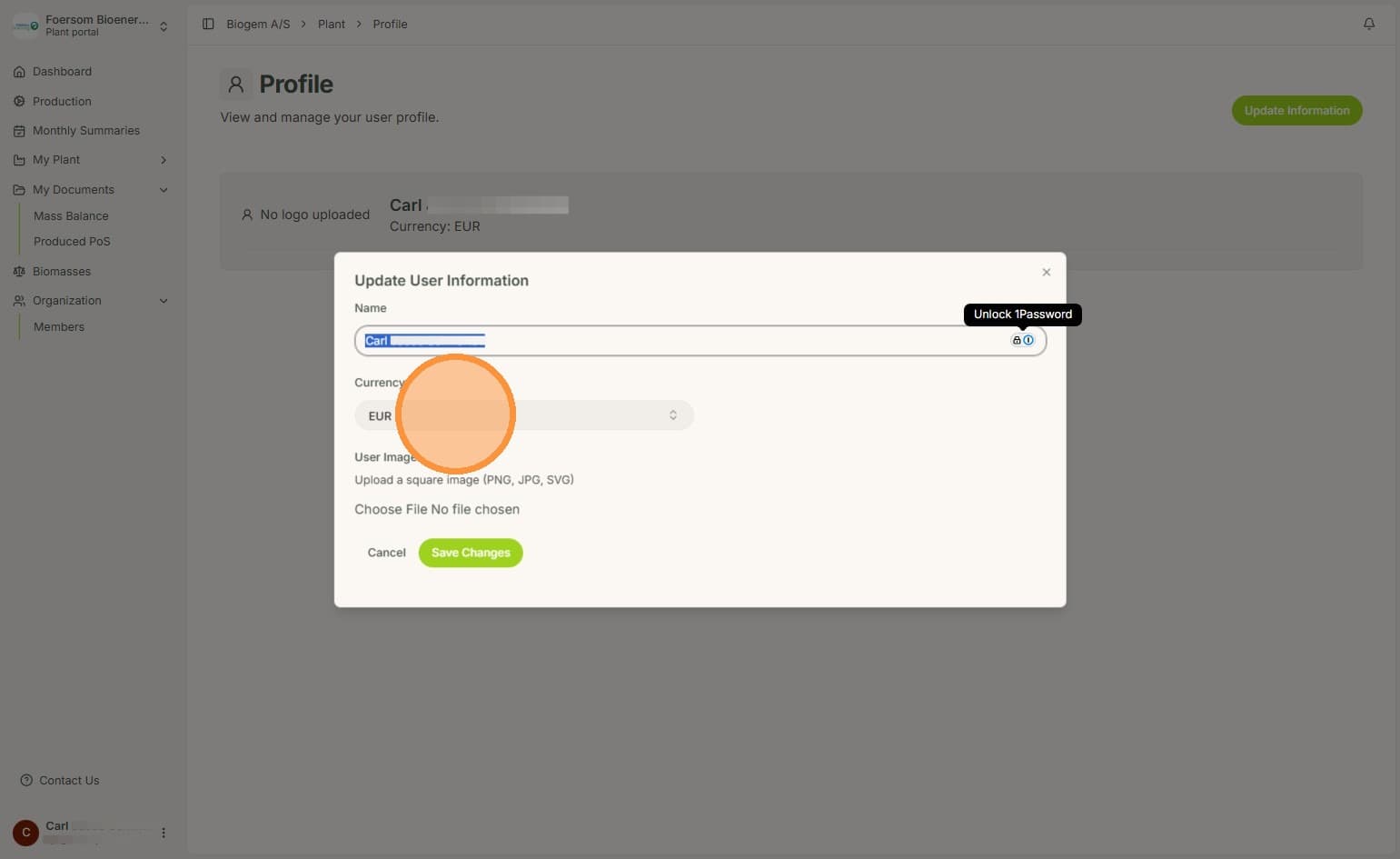
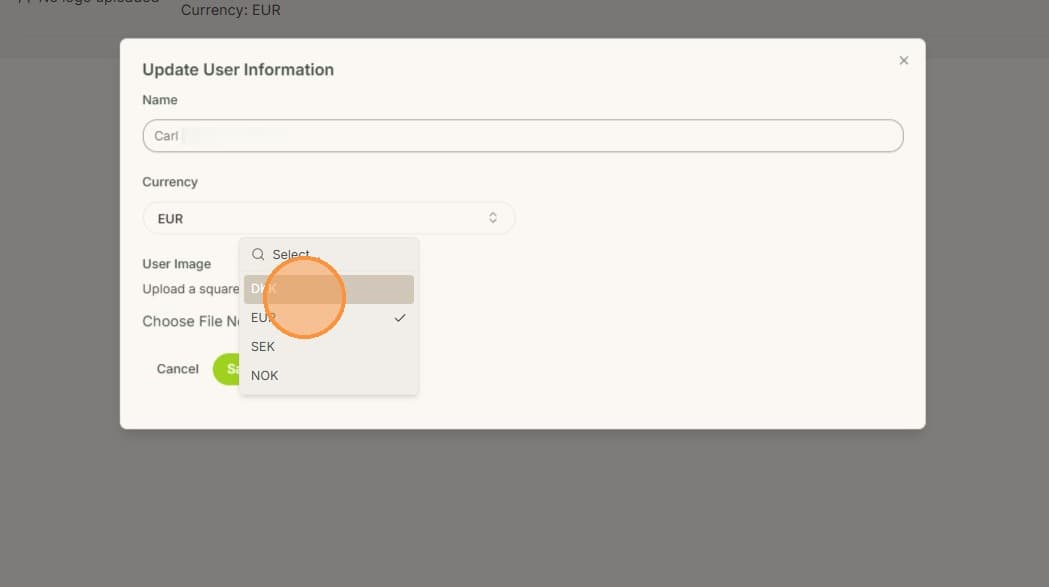
5. Select your currency of choice.
6. Click "Save Changes"
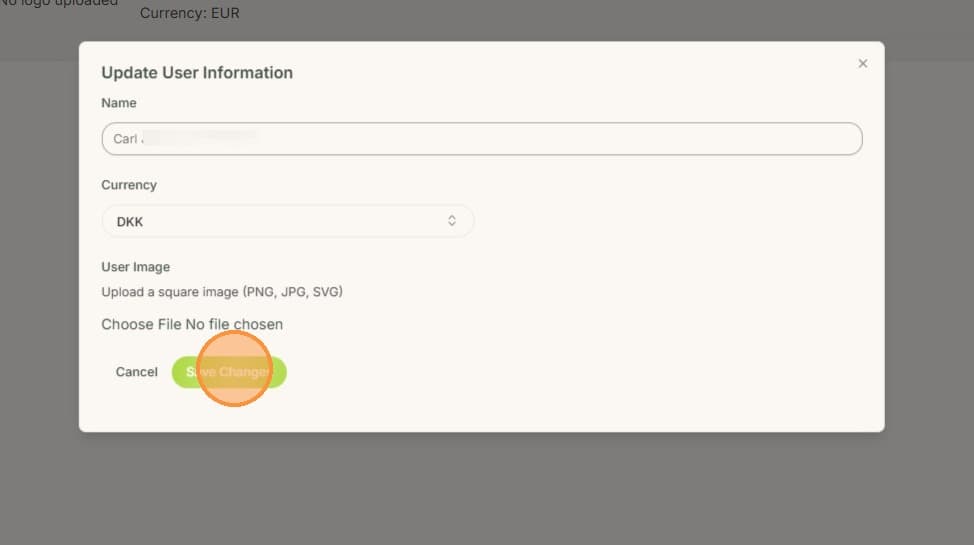
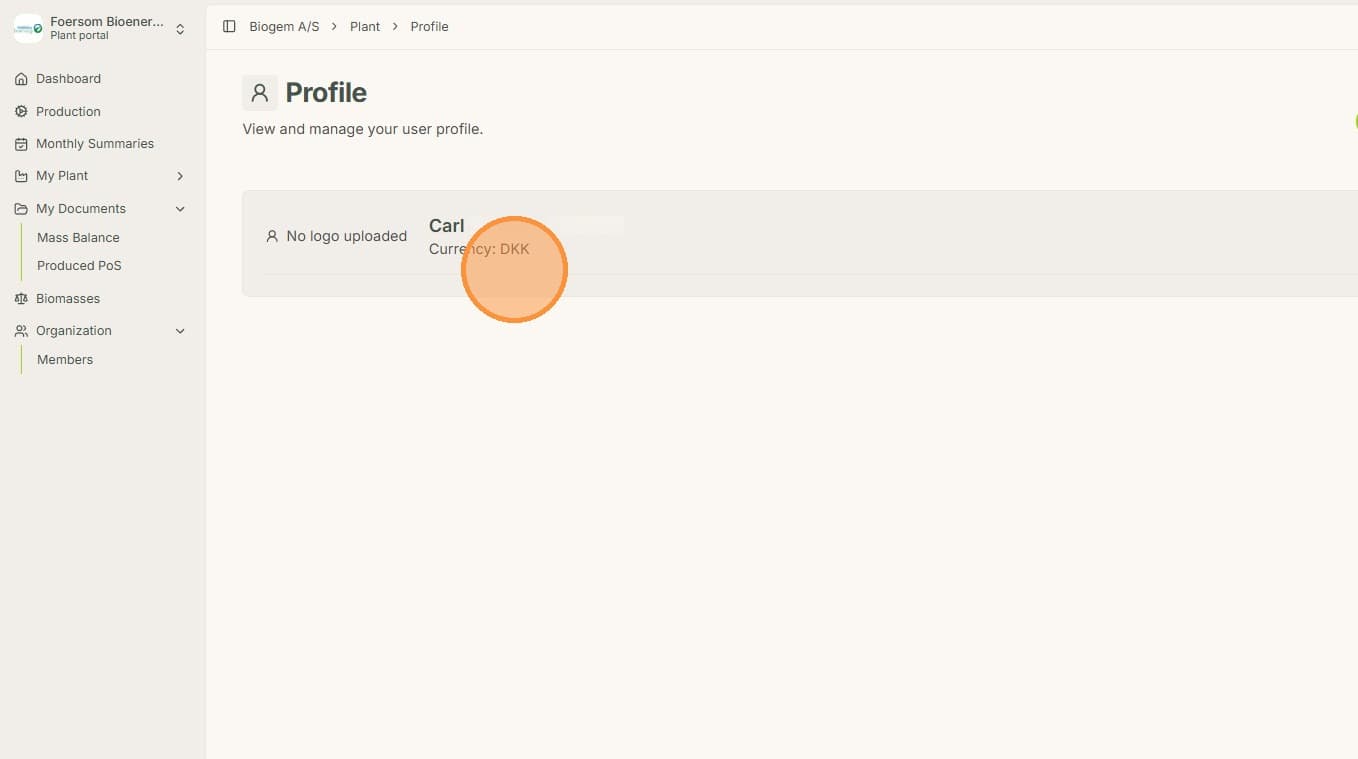
7. Now you can see, that the Currency unit changed.