Back to category
Plant
January 2026
Manually add feedstock substrate to production on a specific day
Temporary Description
Manually add feedstock substrate to production on a specific day
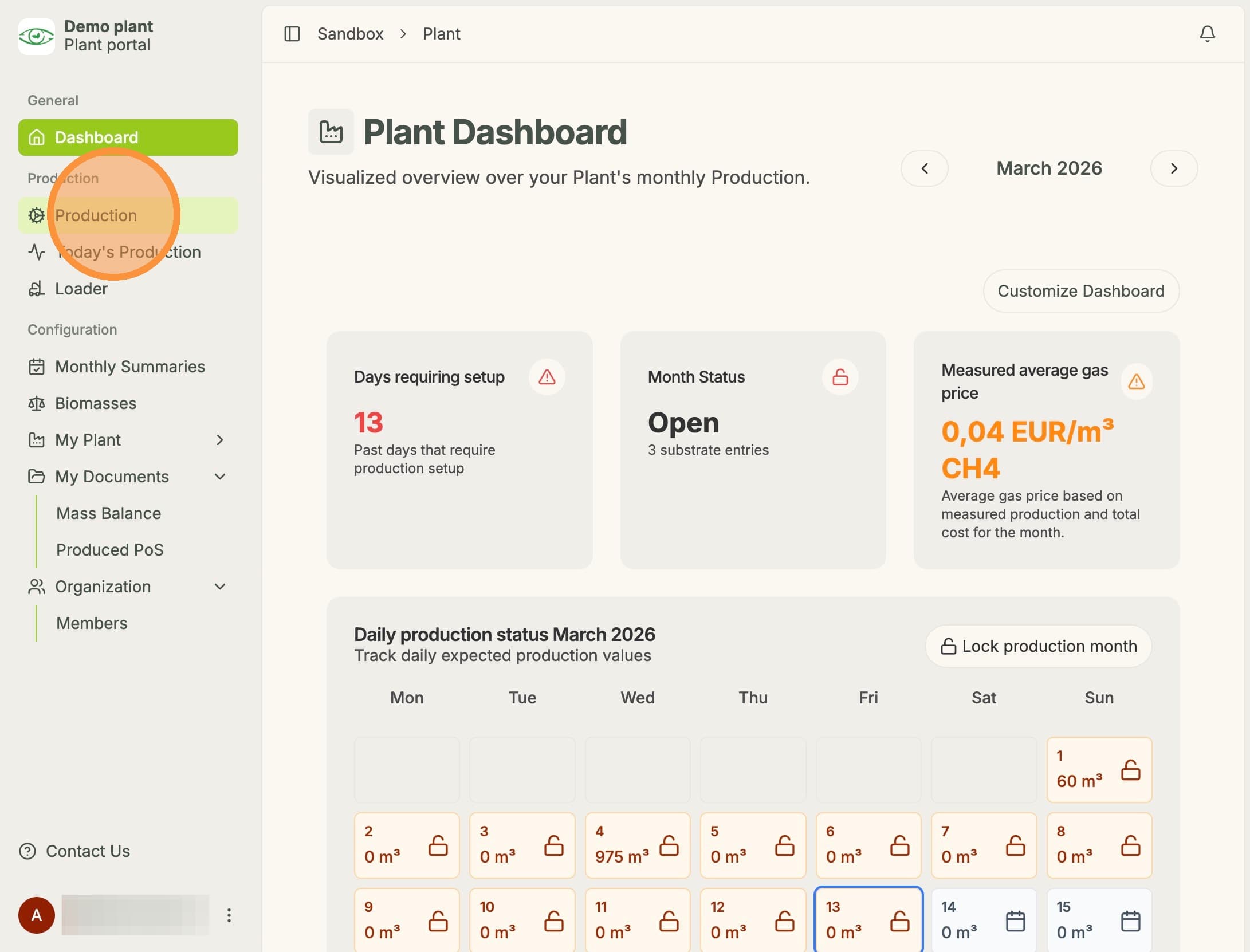
1. Click "Production"
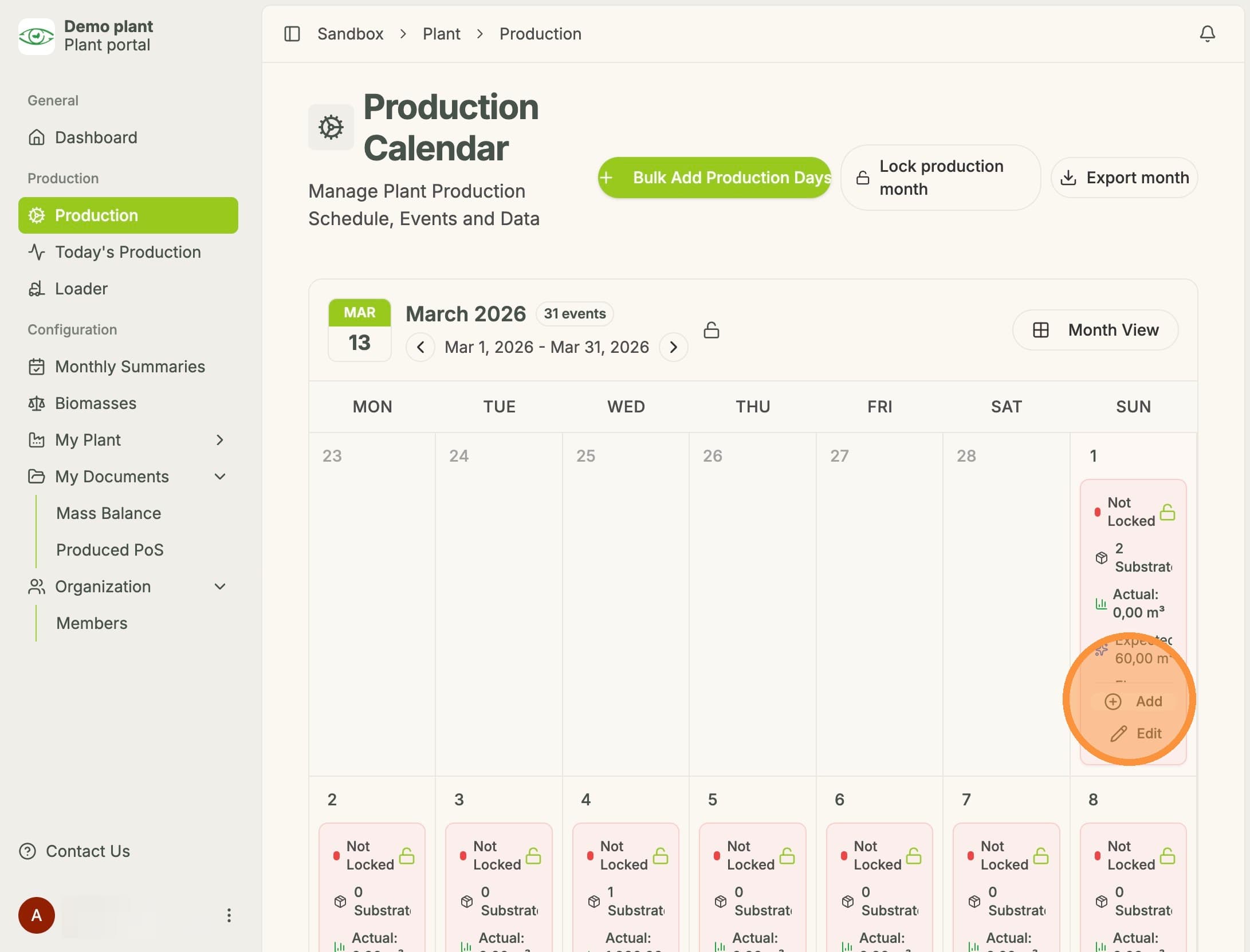
2. Click "Add"
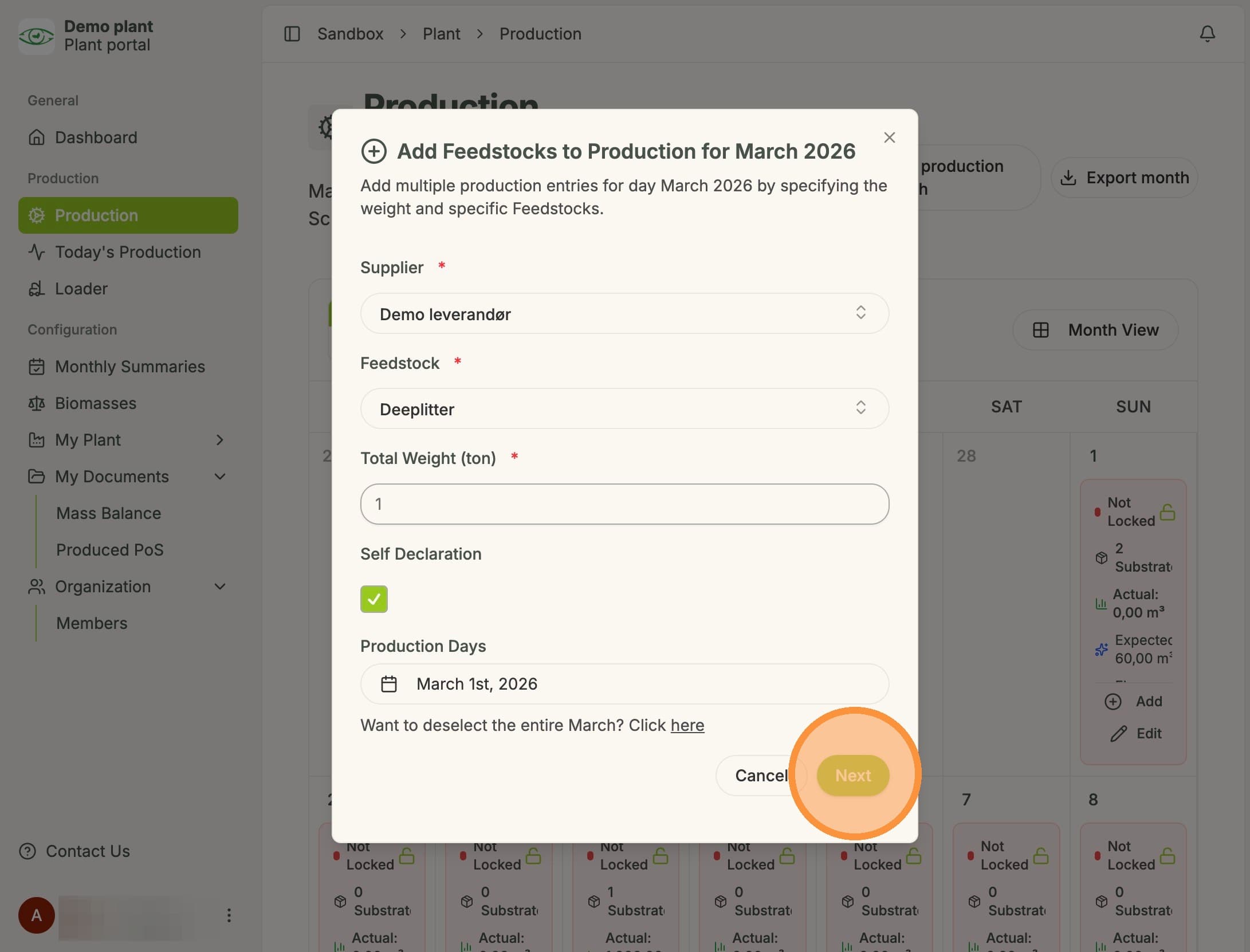
3. Enter feedstock data and click "Next"
NOTE: Only feedstock that has been added in the feedstock list can be selected.
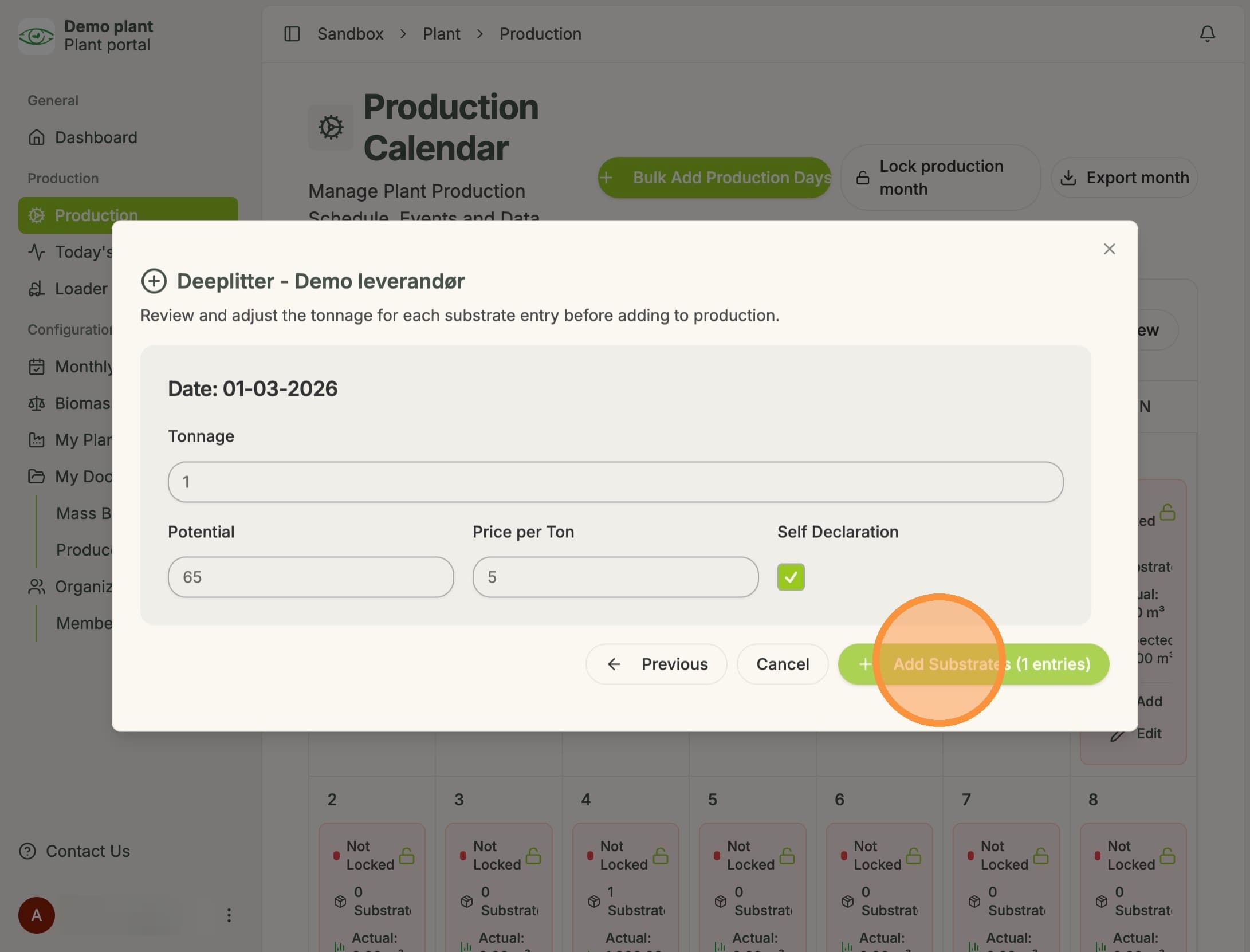
4. Review "Potential" and "Price per Ton" and click "Add Substrates"