Back to category
Plant
March 2026
Select Feedstocks in Loader View
Temporary Description
Select Feedstocks in Loader View
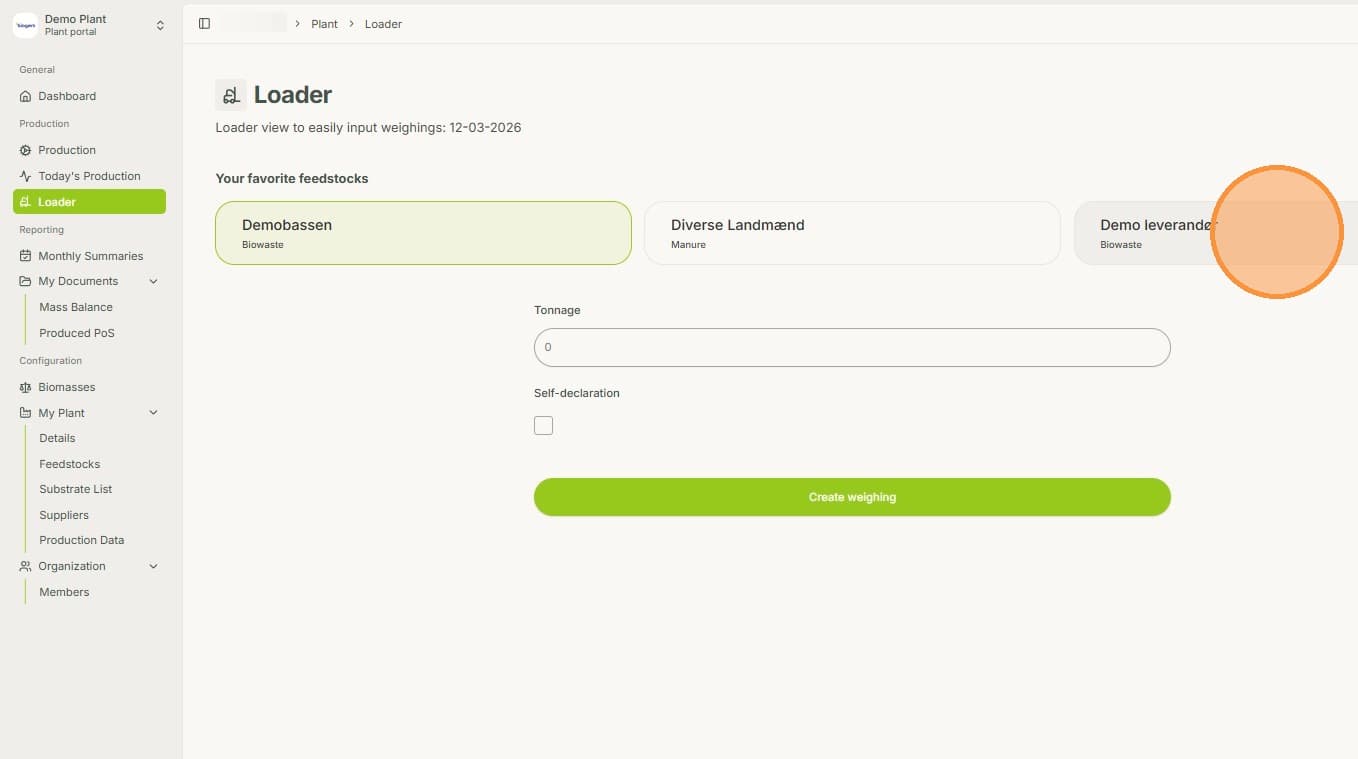
1. In the Loader View can add multiple Feedstocks to choose from.
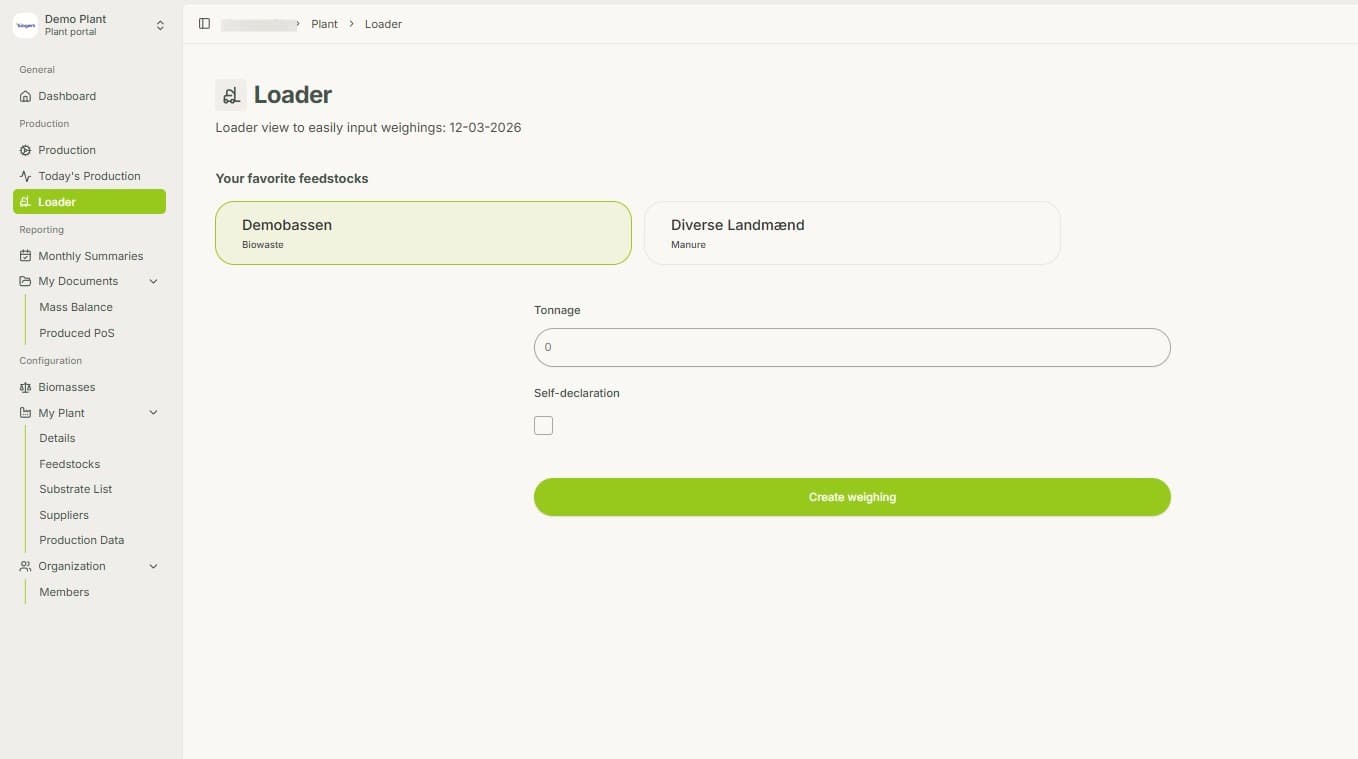
2. In order to add new ones, you need to go to My Plants - Feedstocks
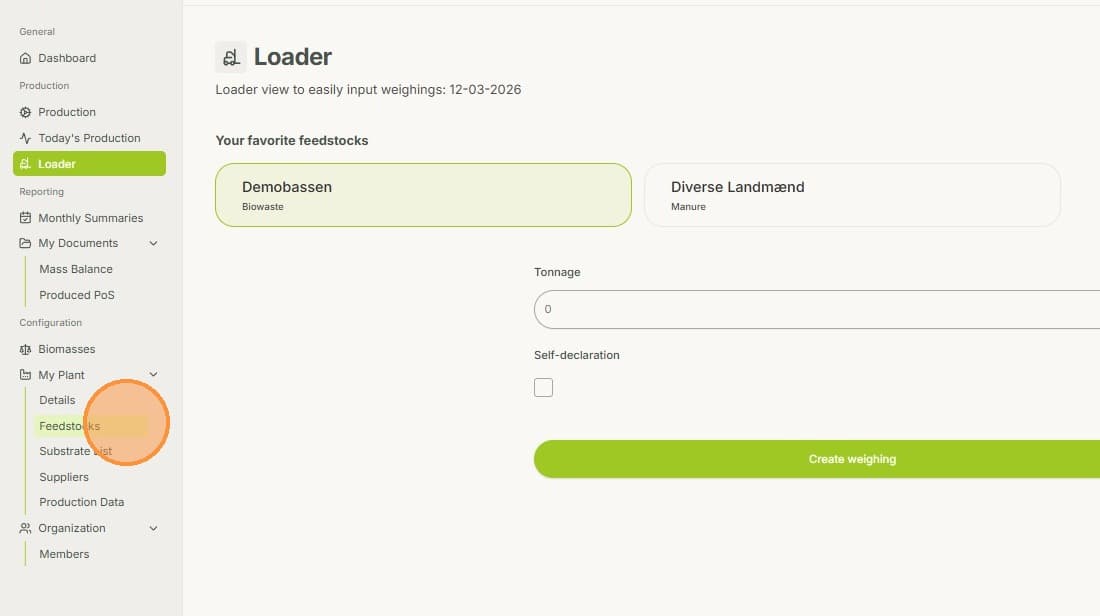
3. By clicking in the Star, you add the Feedstock to the list of your Favorites.
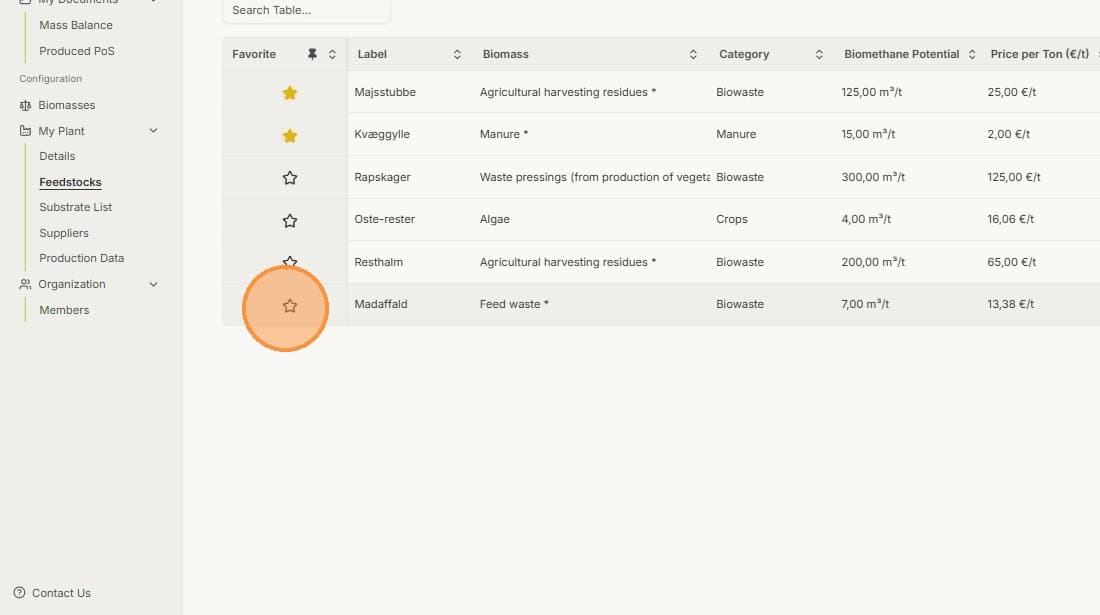
4. This will also change the Sorting of your feedstocks. By clicking the star again, you can remove the Feedstock from the selection of your Favorites.
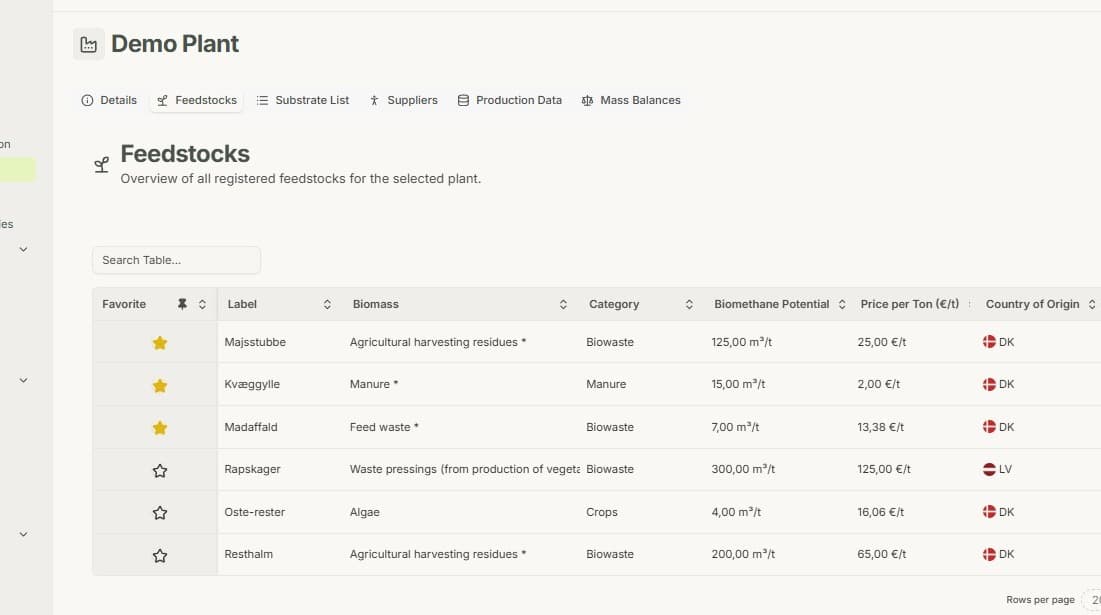
5. Every Feedstock that has been marked with a star, can be selected in the loader view.