Back to category
Trader
November 2025
Create Storage Audit Report
Temporary Description
Create Storage Audit Report
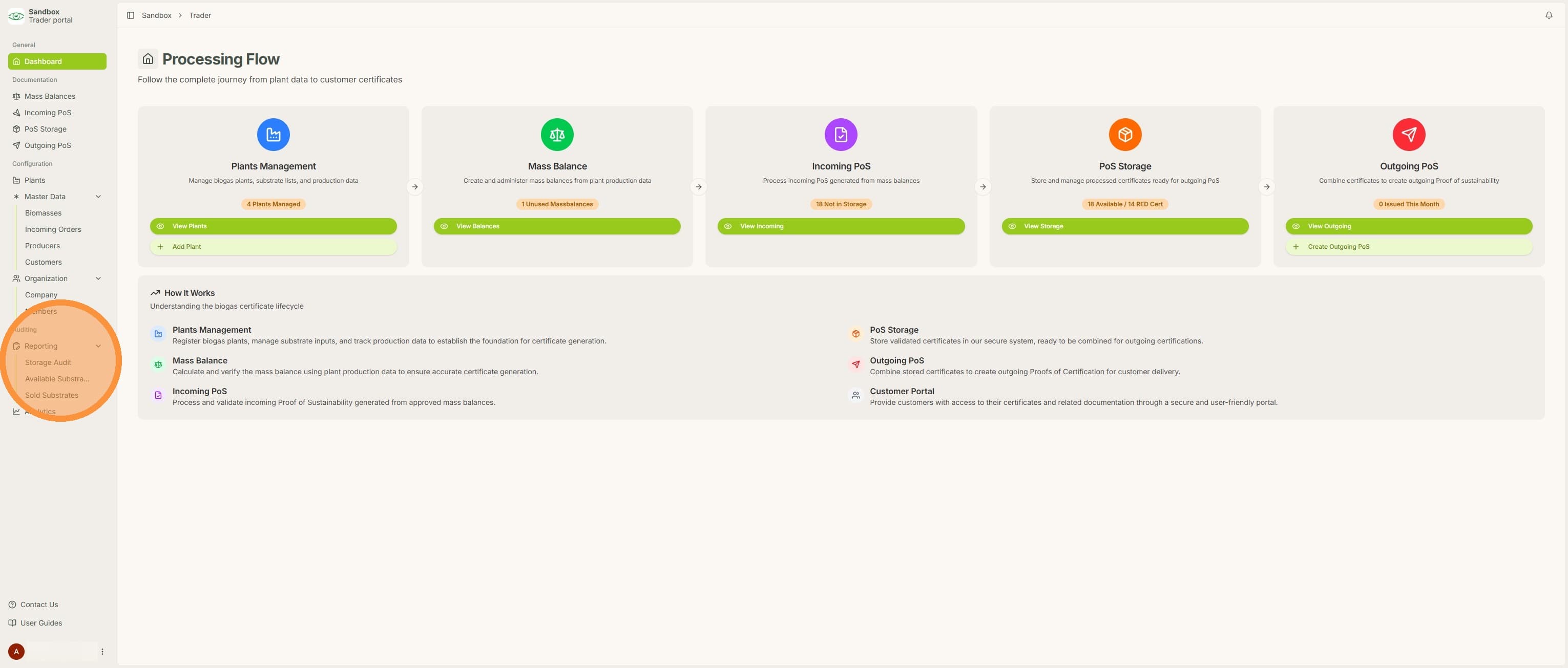
1. Click "Storage Audit" under "Reporting"
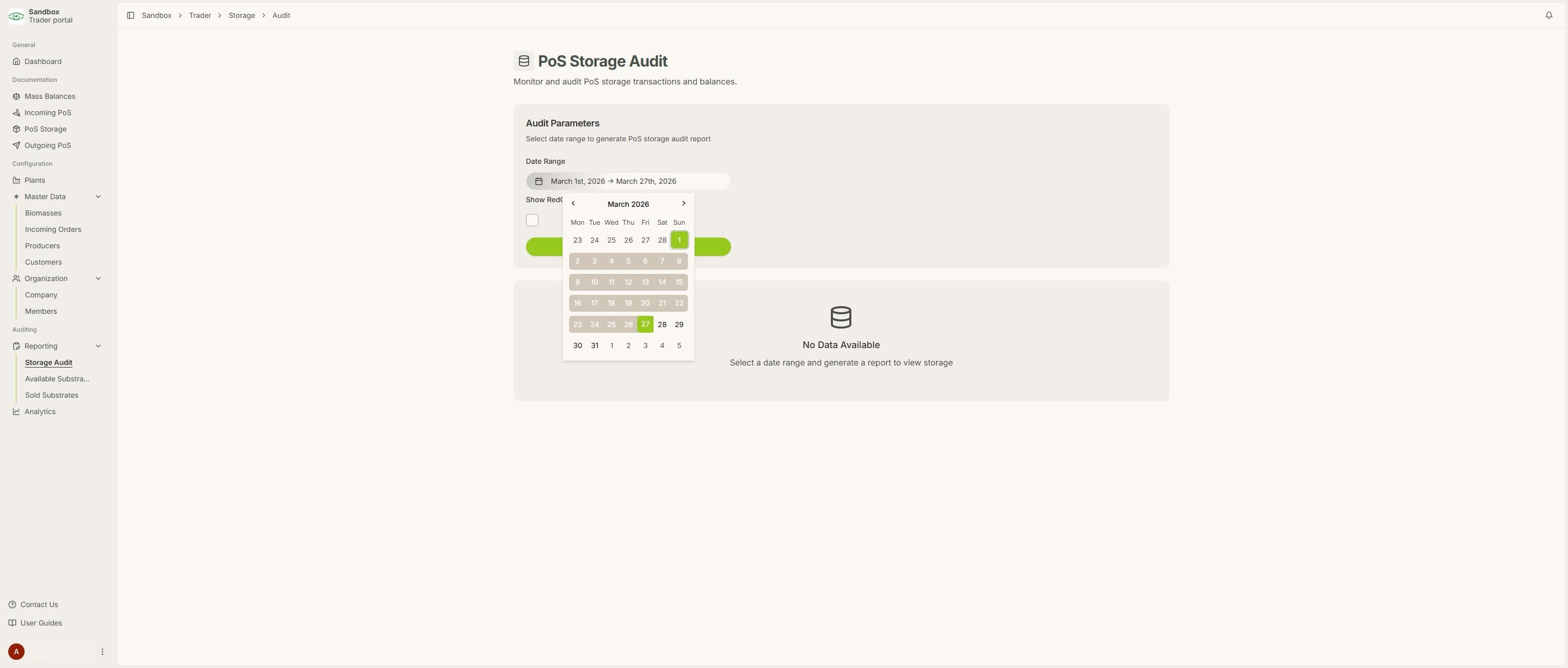
2. Select the relevant dates for your report
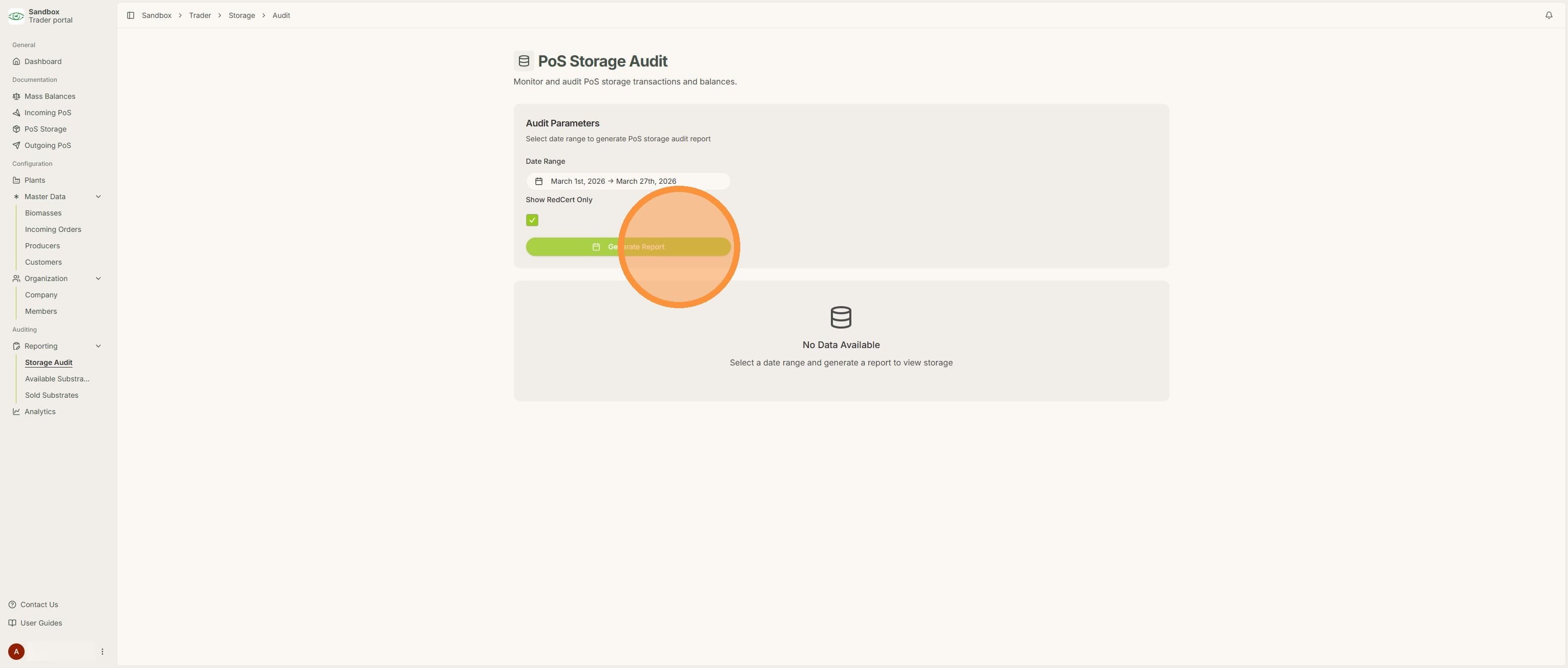
3. Select if you want to show RedCert only and then click "Generate Report"
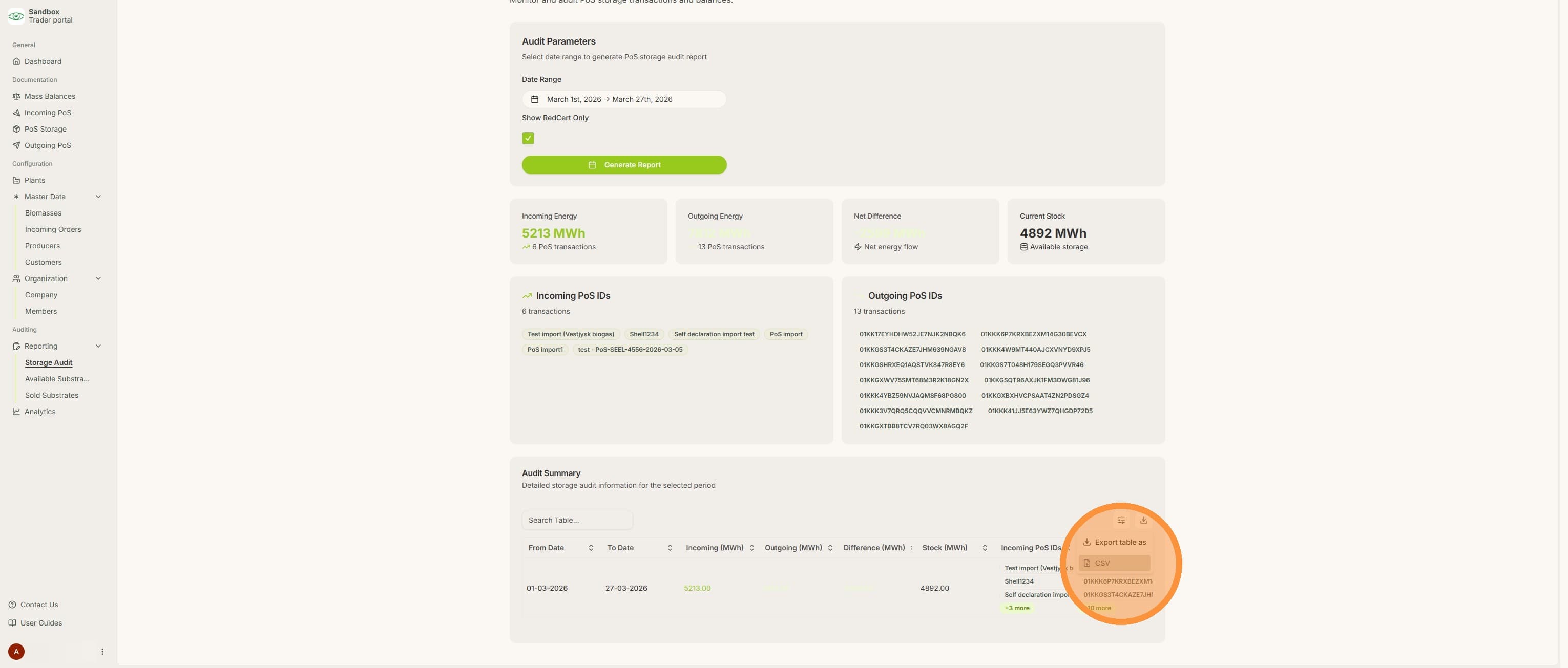
4. All information in the report can now be seen and the report can be exported as a csv file