Back to category
Trader
March 2026
Import incoming PoS
Temporary Description
Import incoming PoS
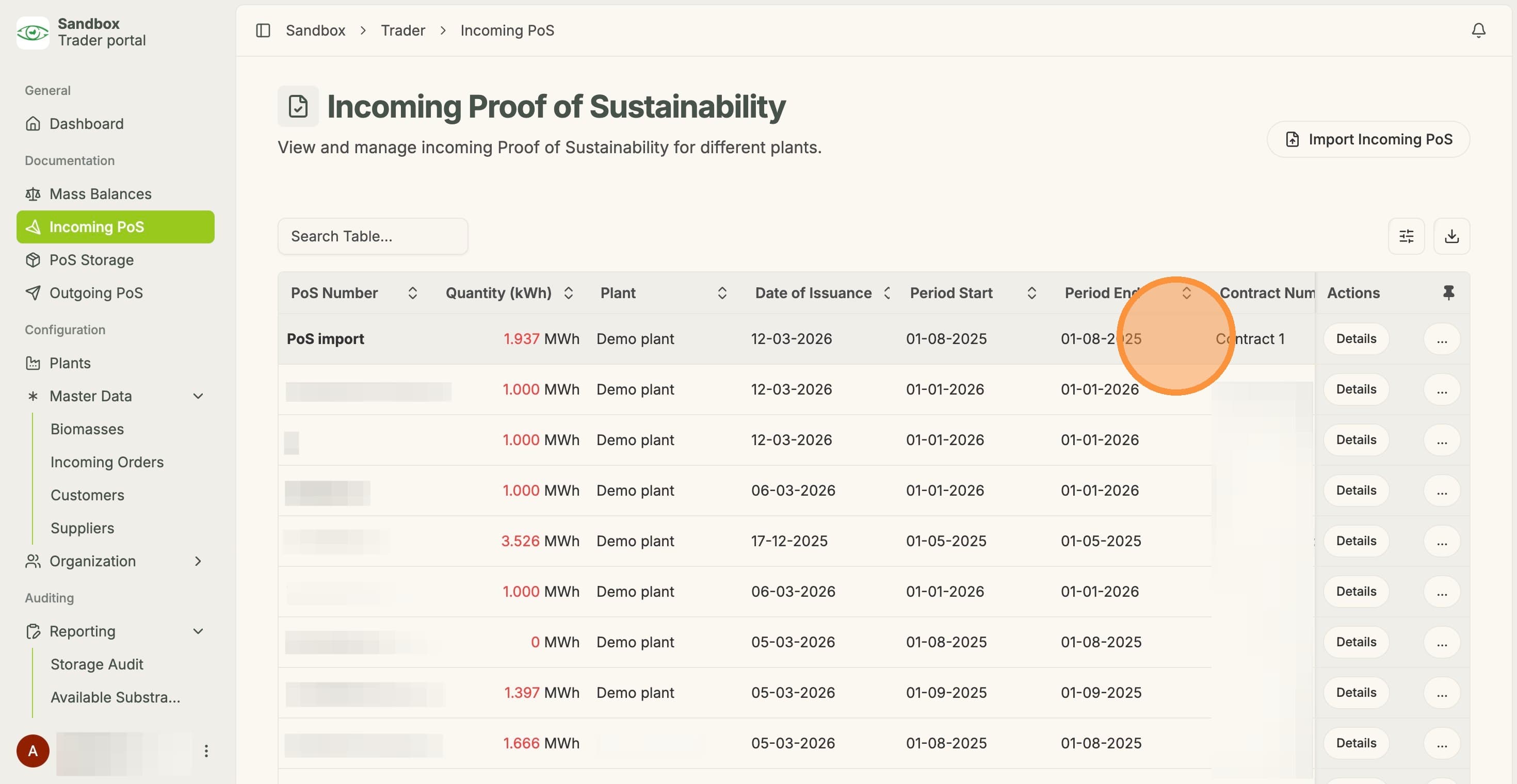
1. Click "Incoming PoS"
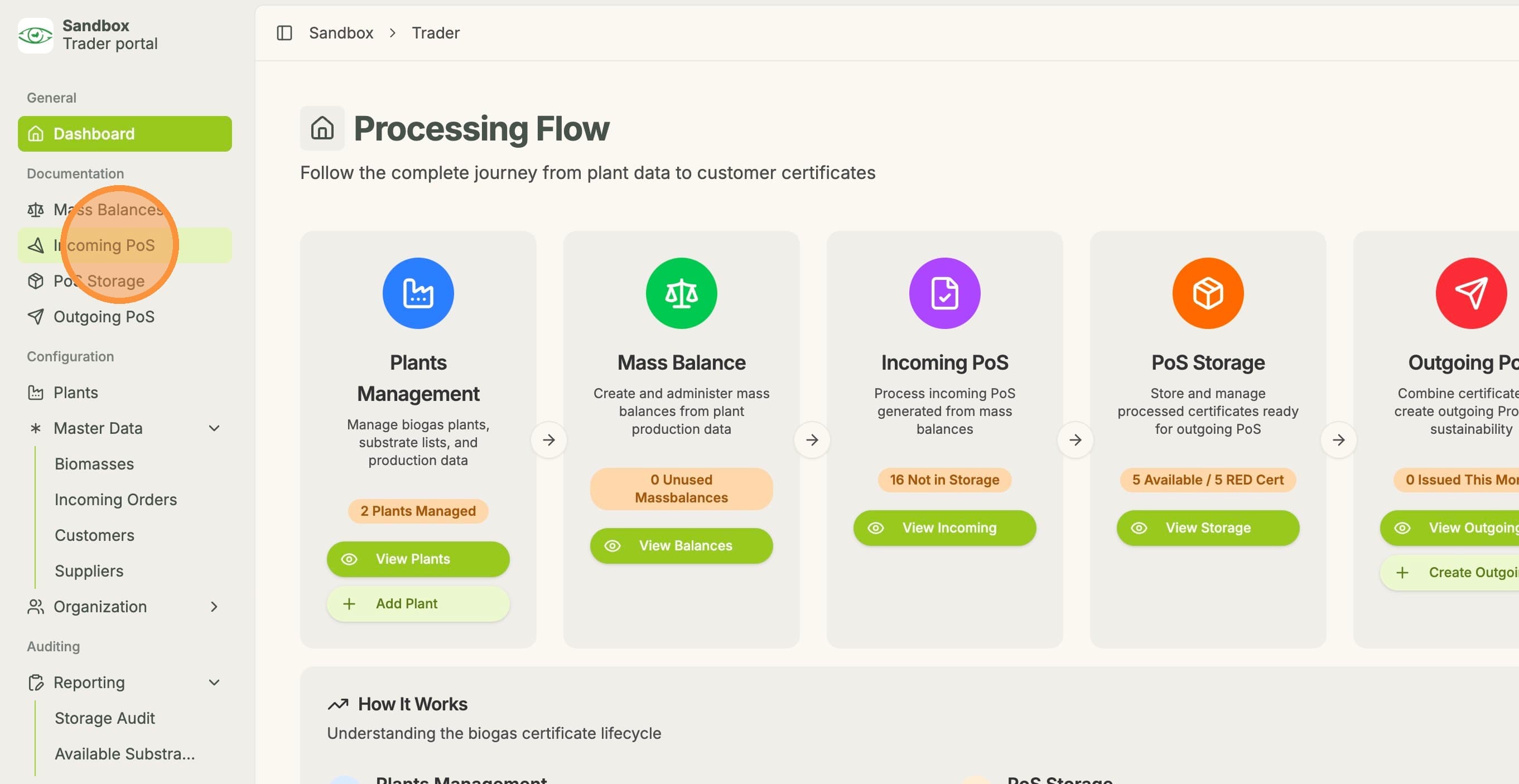
2. Click "Import Incoming PoS"
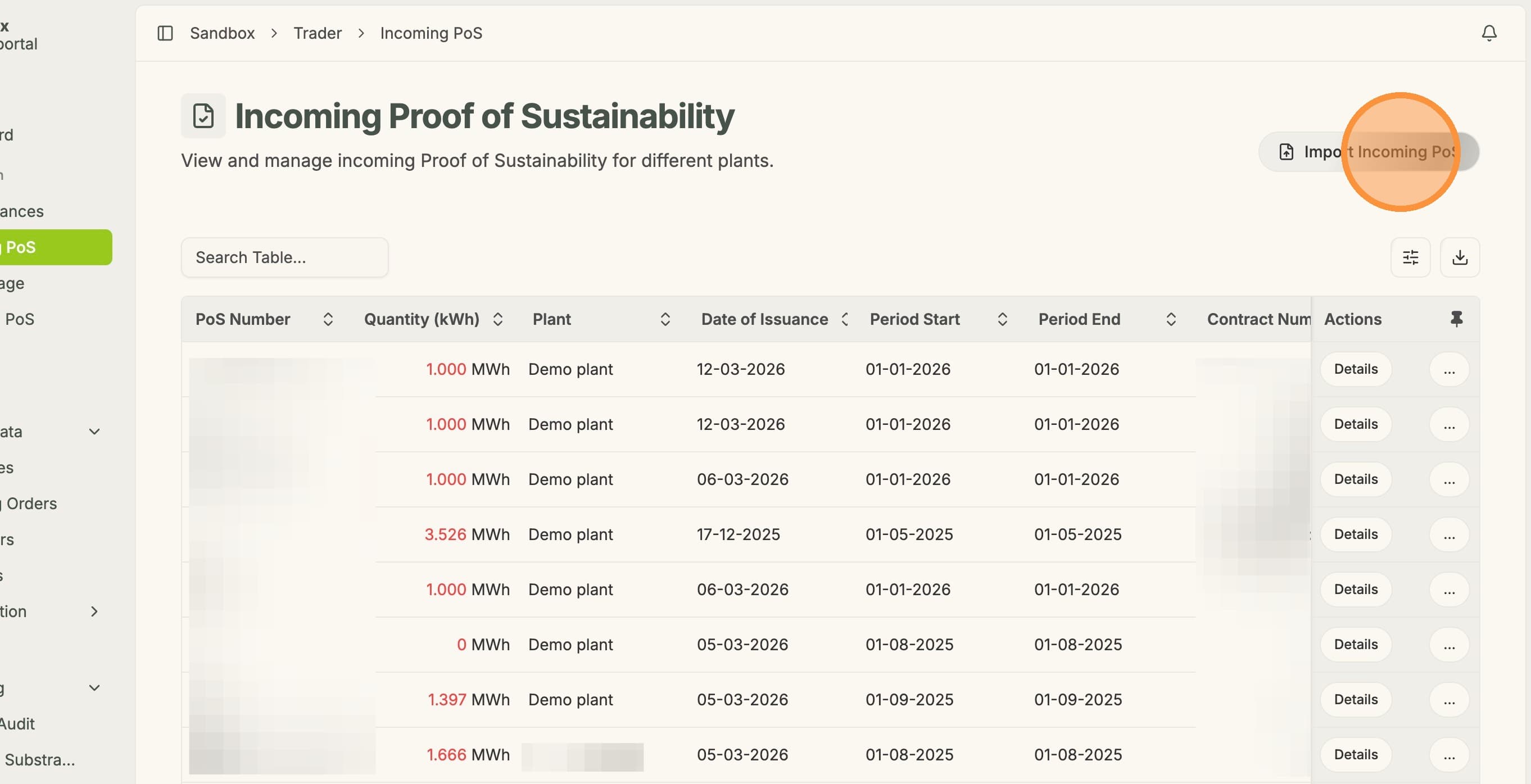
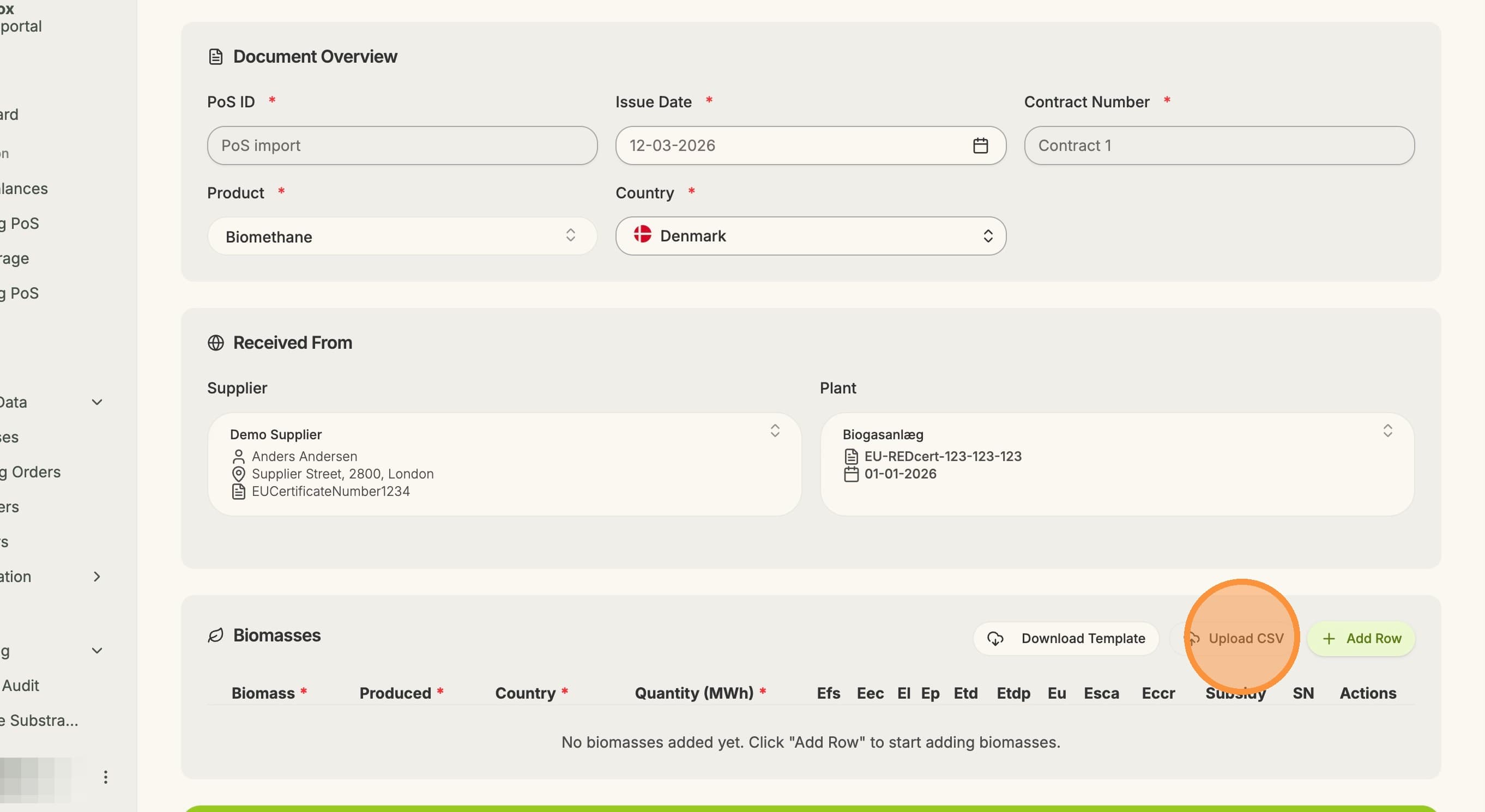
3. Fill in the necessary information under "Document Overview" and "Received From"
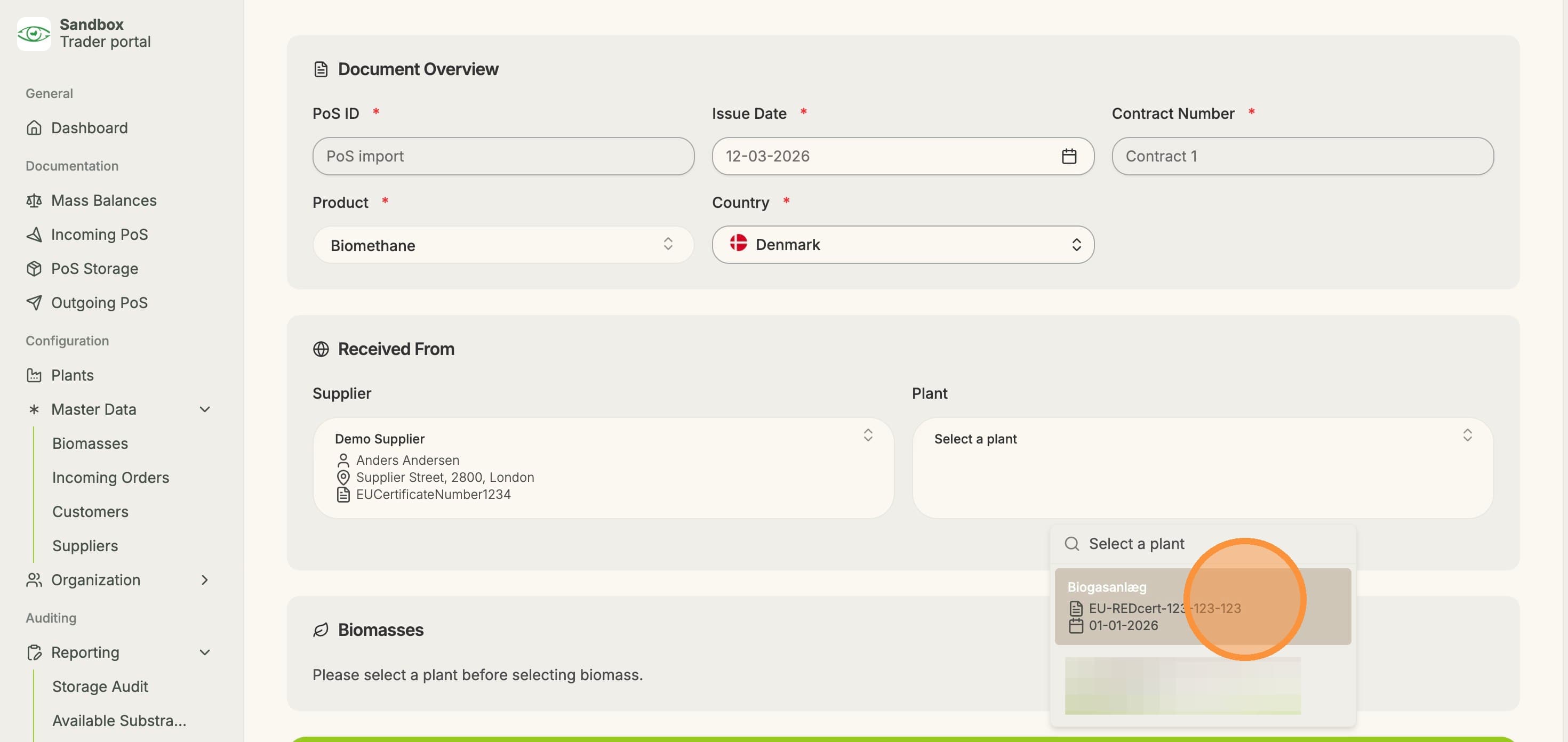
4. Once the information is entered, click "Upload CSV"
5. After uploading the CSV file, the information in the PoS can be viewed, and any potentially missing information can be entered manually.
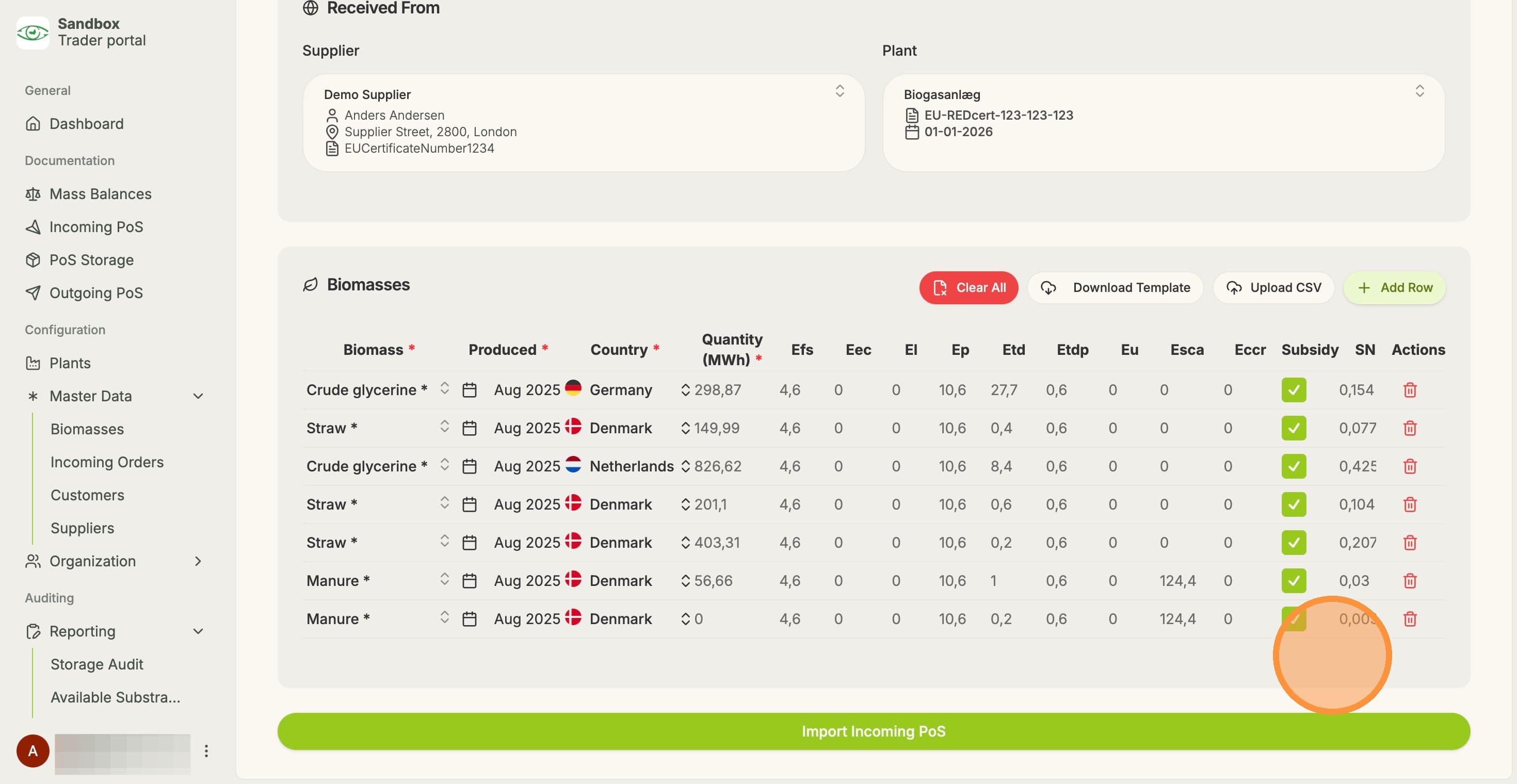
6. Lastly, click "Import Incoming PoS"
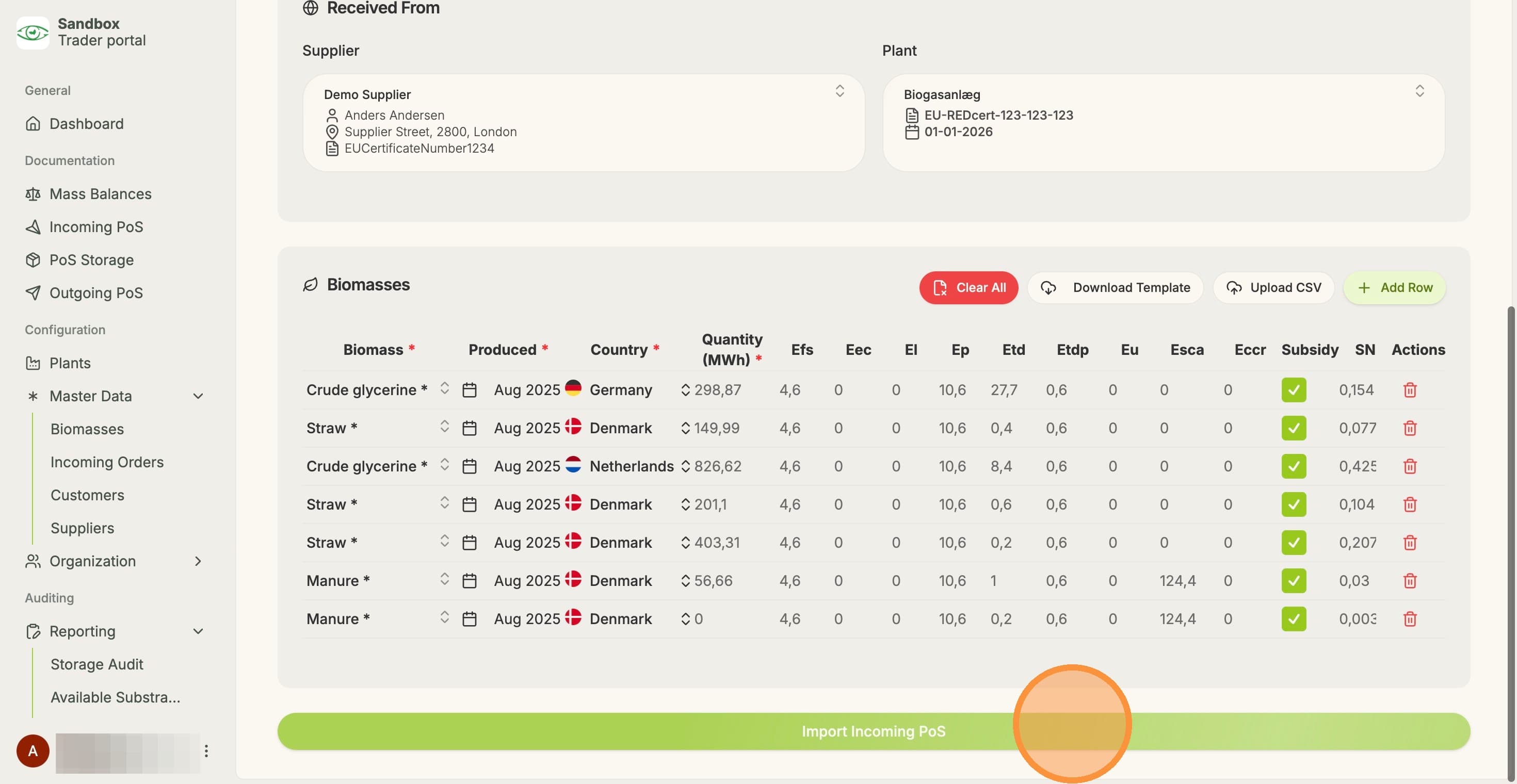
7. The imported PoS can now be seen under "Incoming PoS"