Back to category
General
March 2026
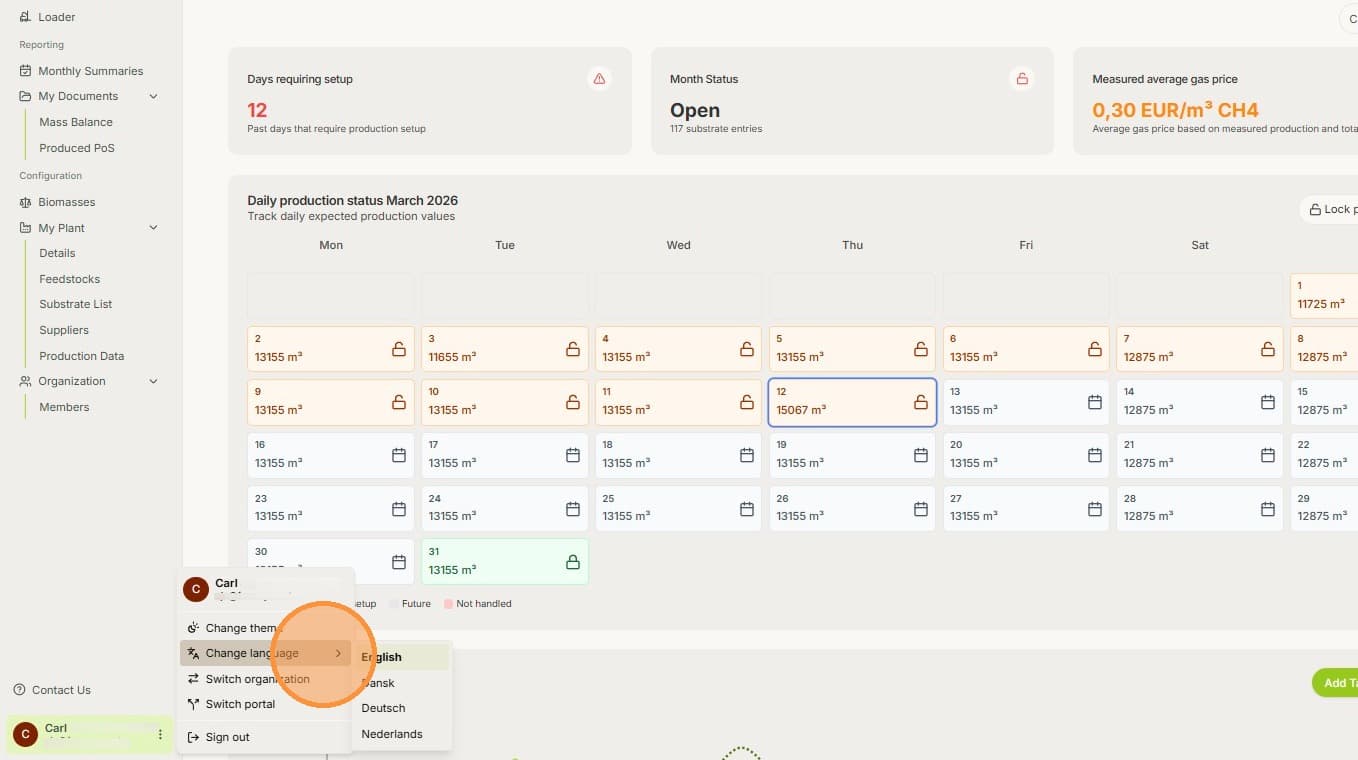
How to Change the Language
Temporary Description
Learn how to easily switch the language settings.
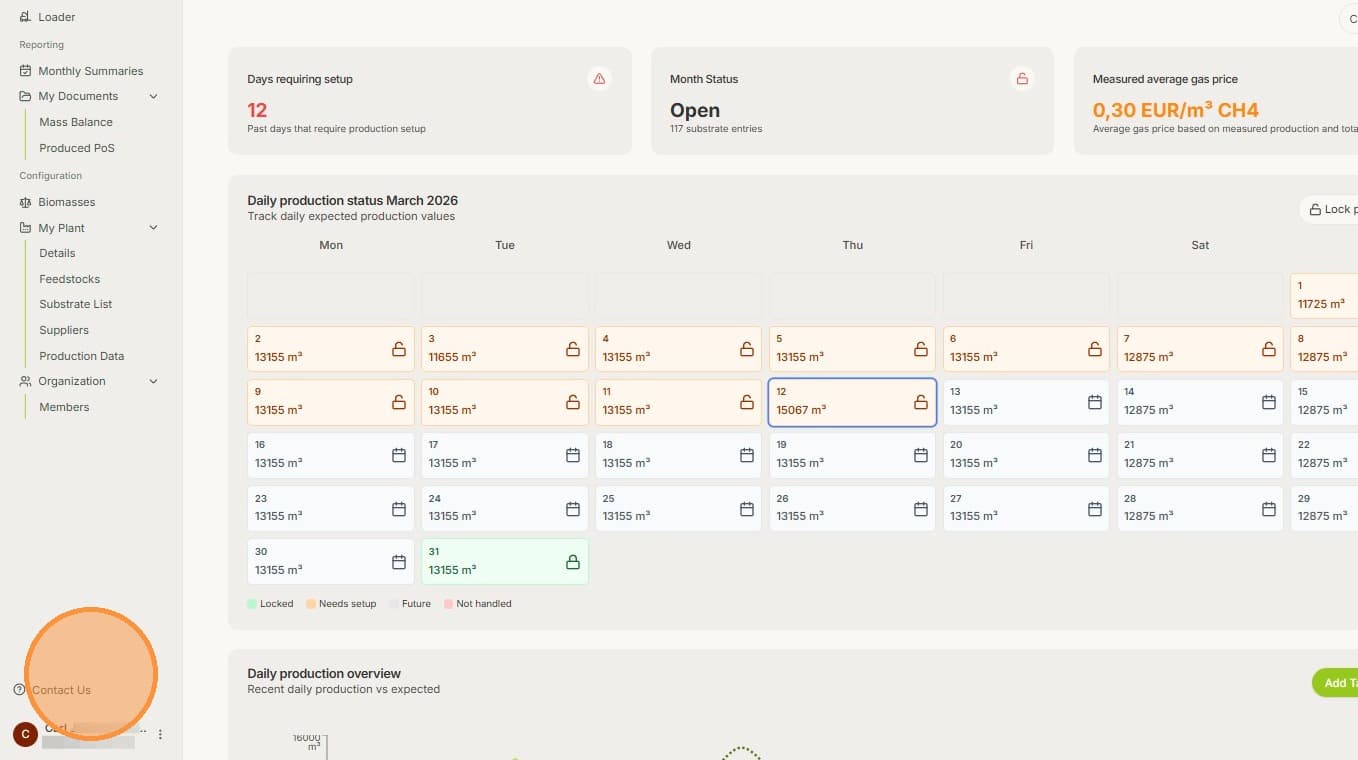
1. On any page, just click on your name and account.
2. The click on "Change language" and select your preferred language. If your language hasn't been added yet, feel free to request it by contacting the Biolens team.
!! Attention: Changing the language doesn't change the currency. For changing the currency, look at the FAQ entry regarding currency.