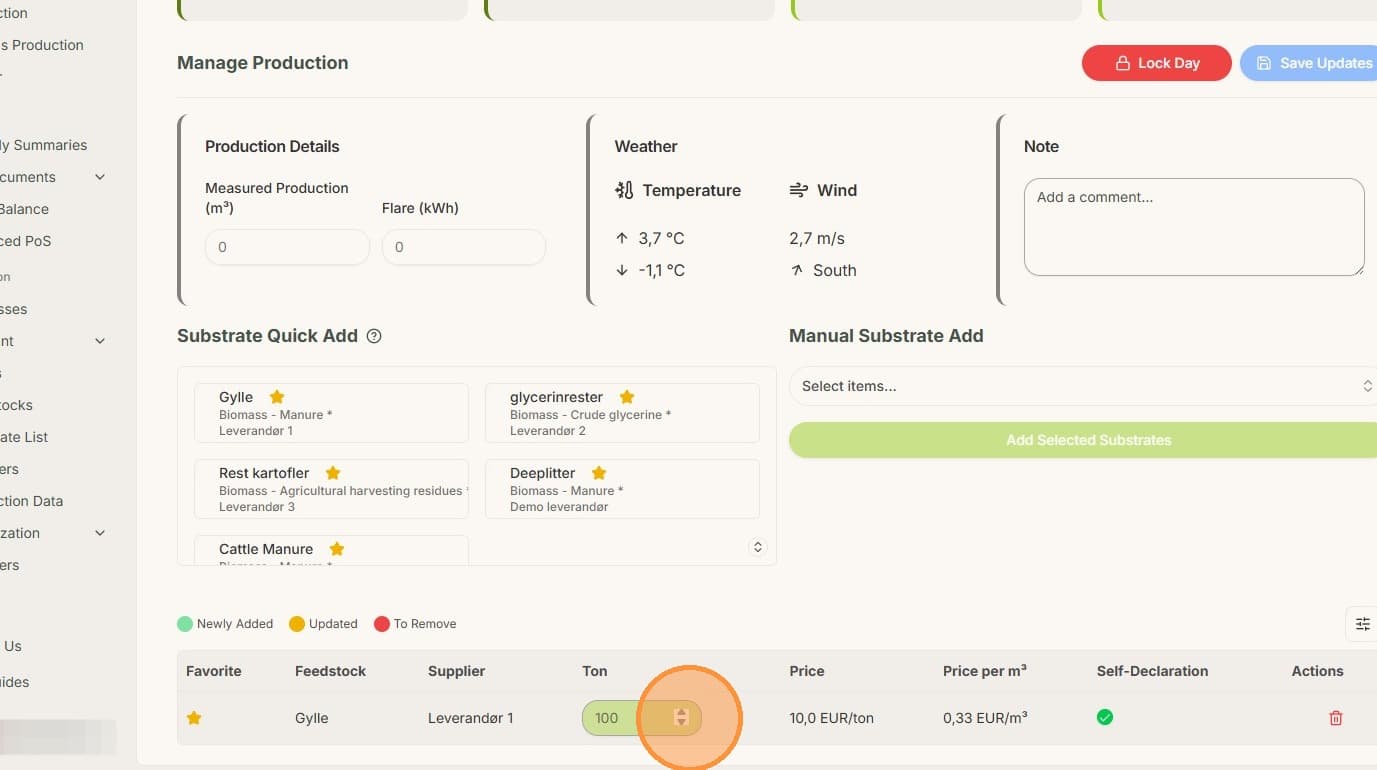
Back to category
Plant
January 2026
Bulk add production to multiple days
Temporary Description
Bulk add production to multiple days
1. Click "Production"
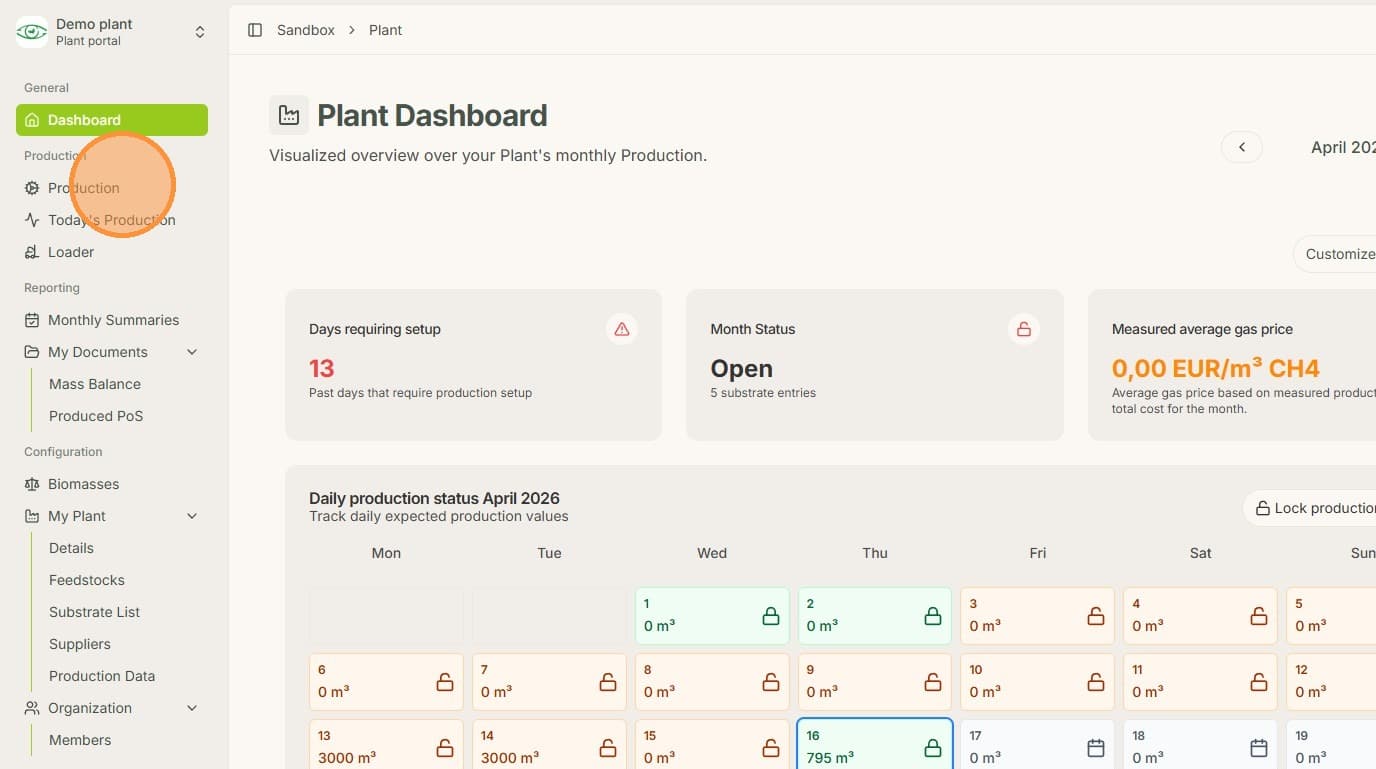
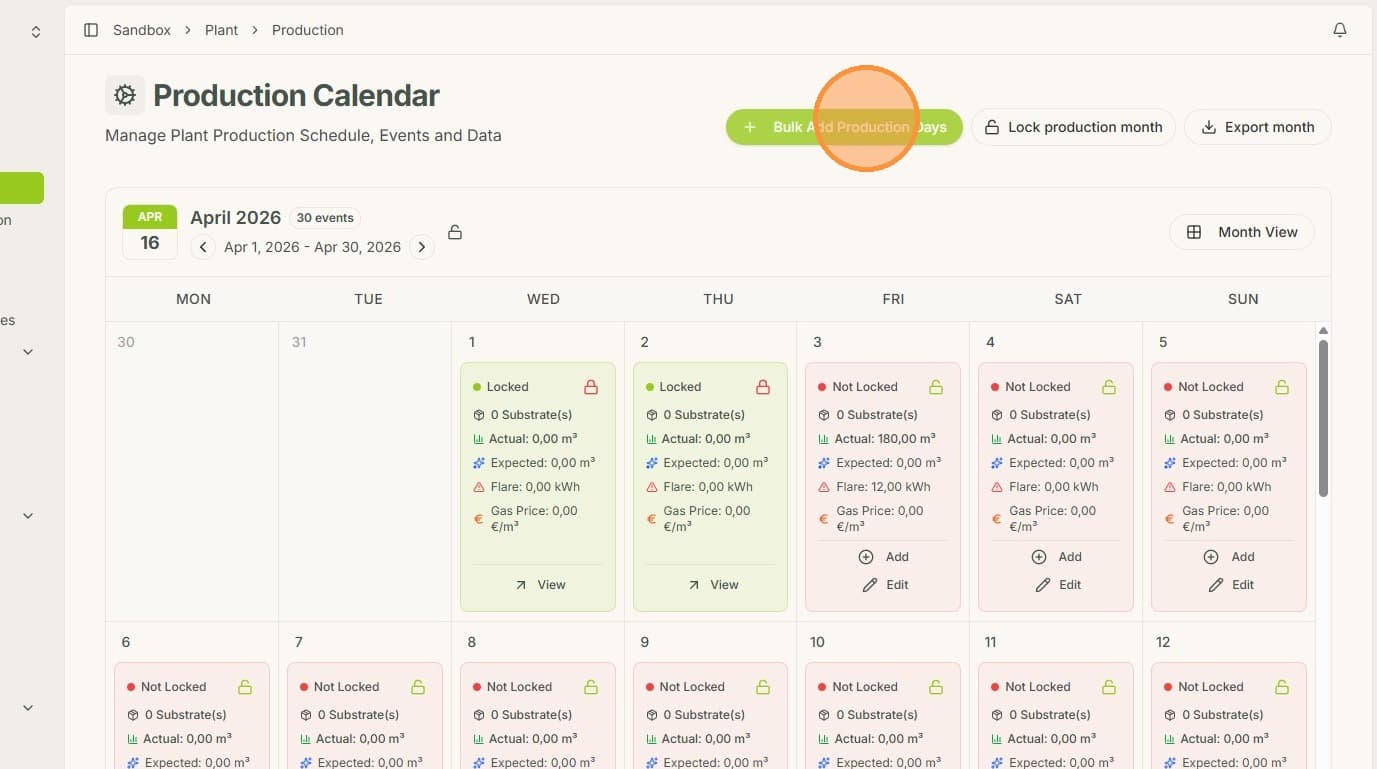
2. Click "Bulk Add Production Days"
3. Select supplier, feedstock, weight and self declaration (if applicable).
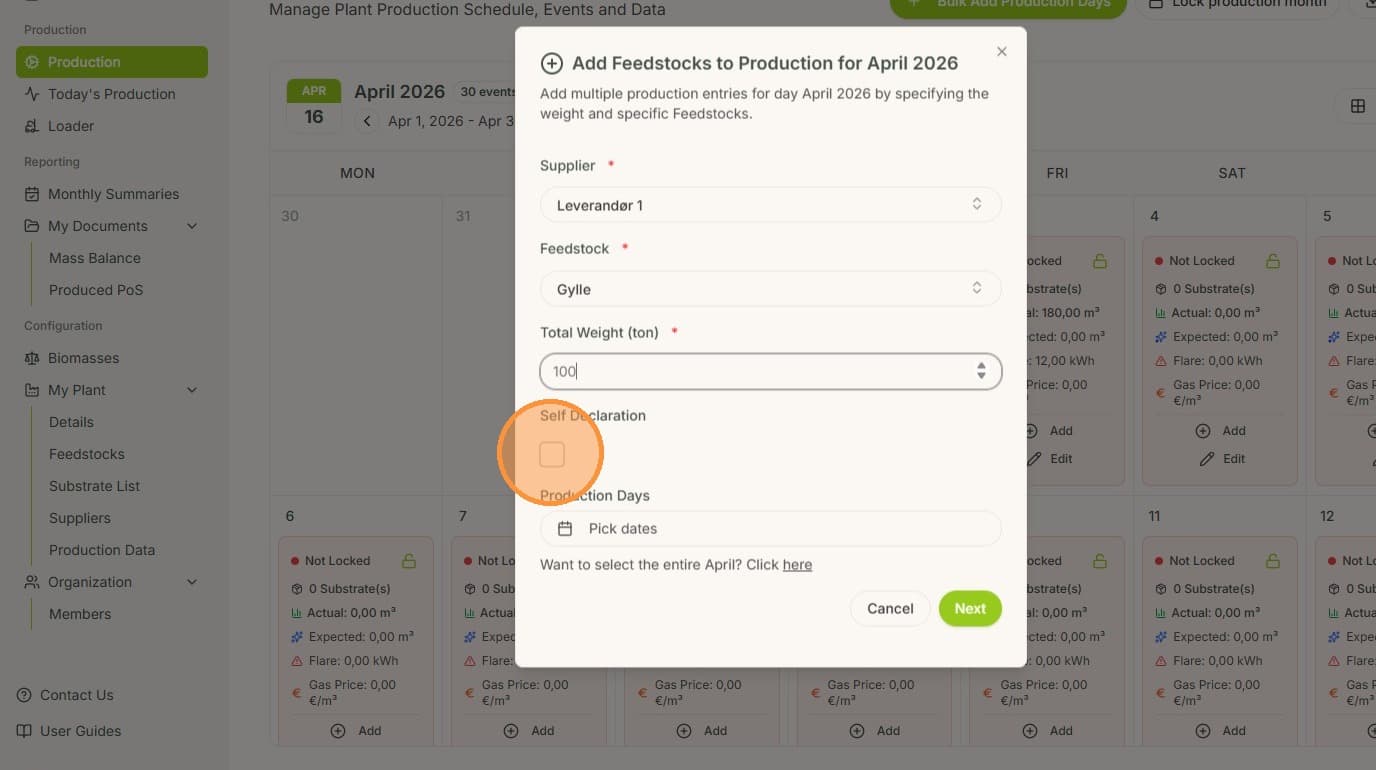
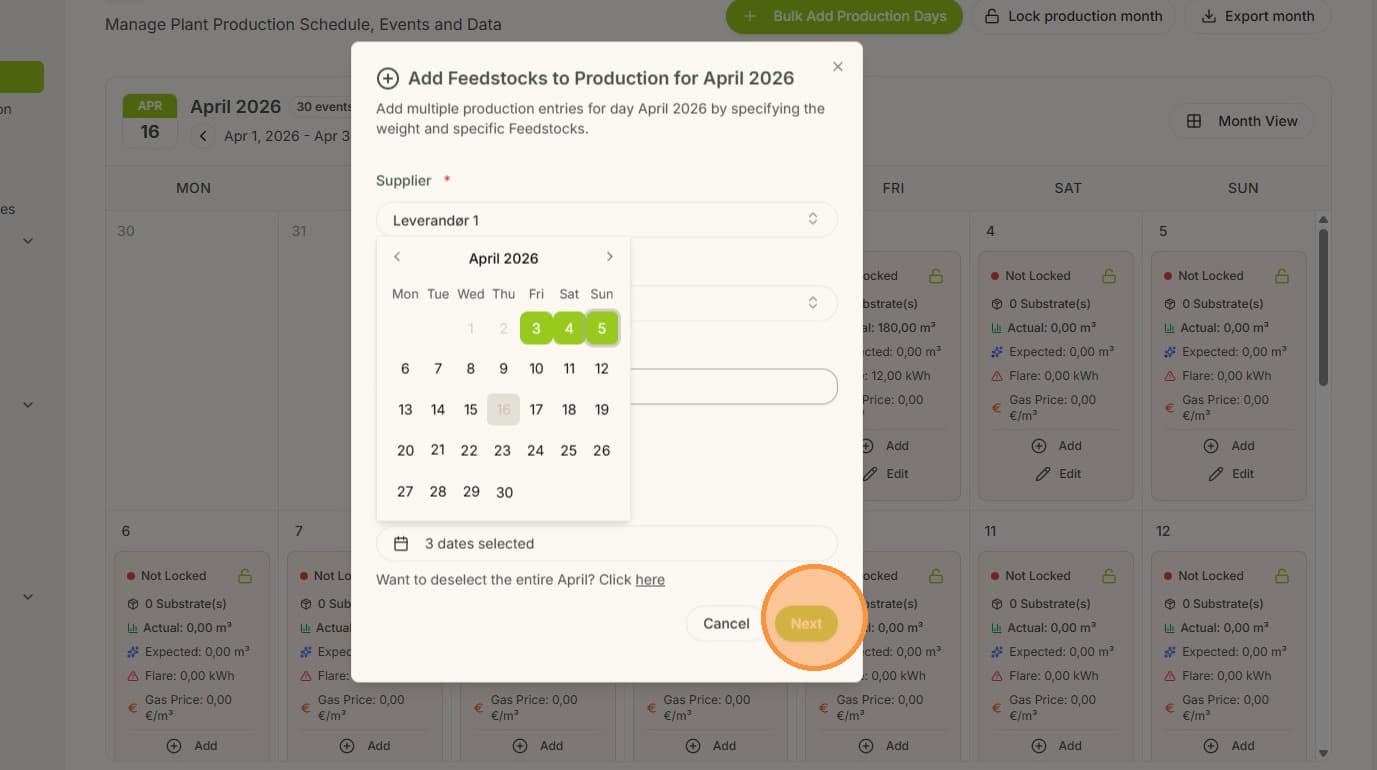
4. Pick the desired dates.
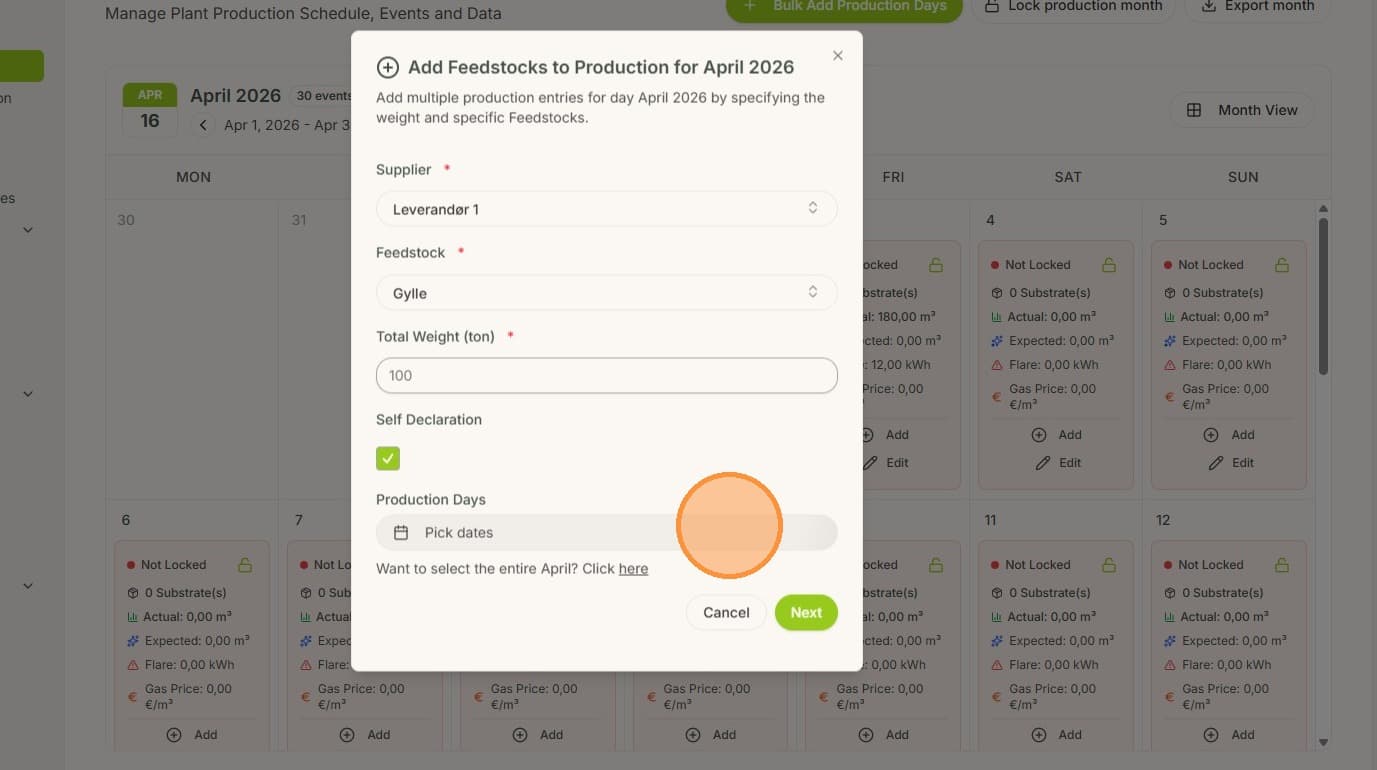
5. Then click "Next"
6. Verify the production data for each day.
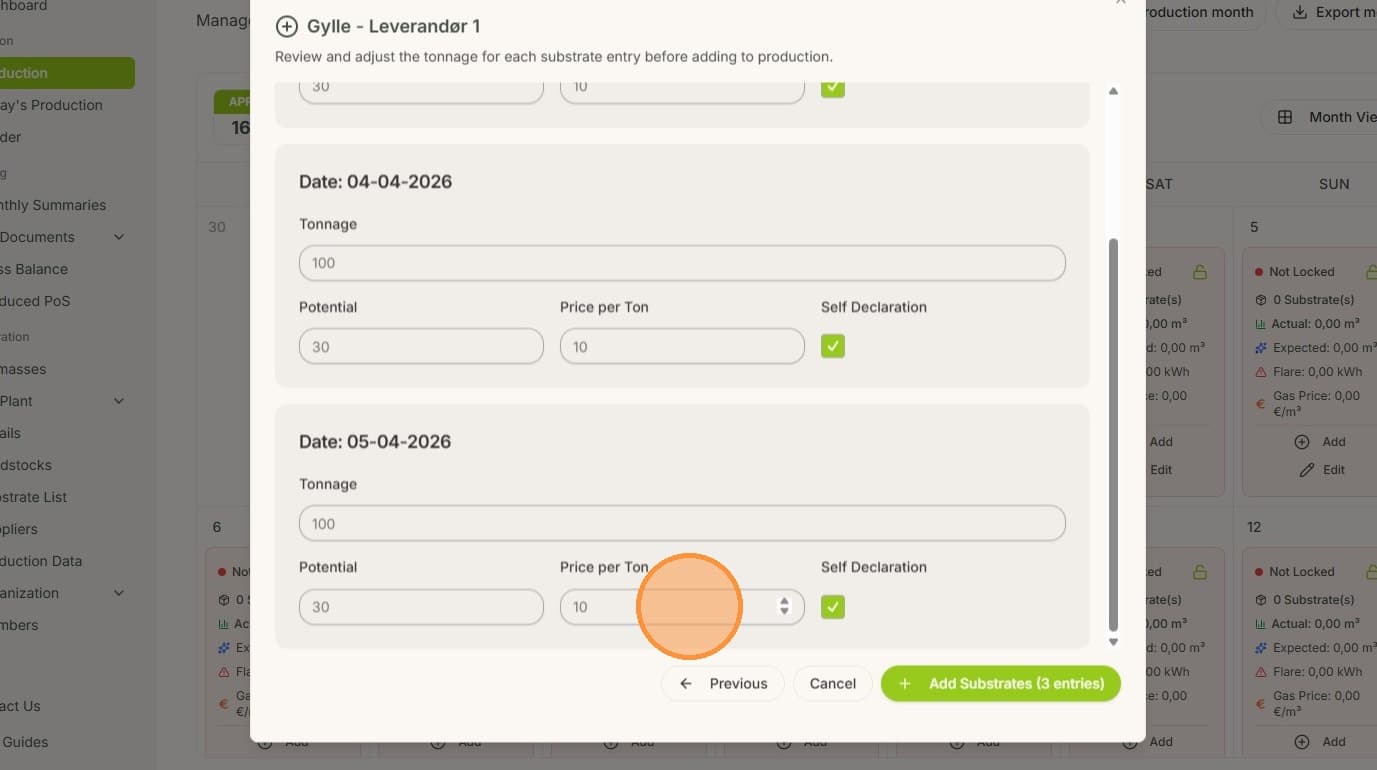
7. Lastly, click "Add Substrates"
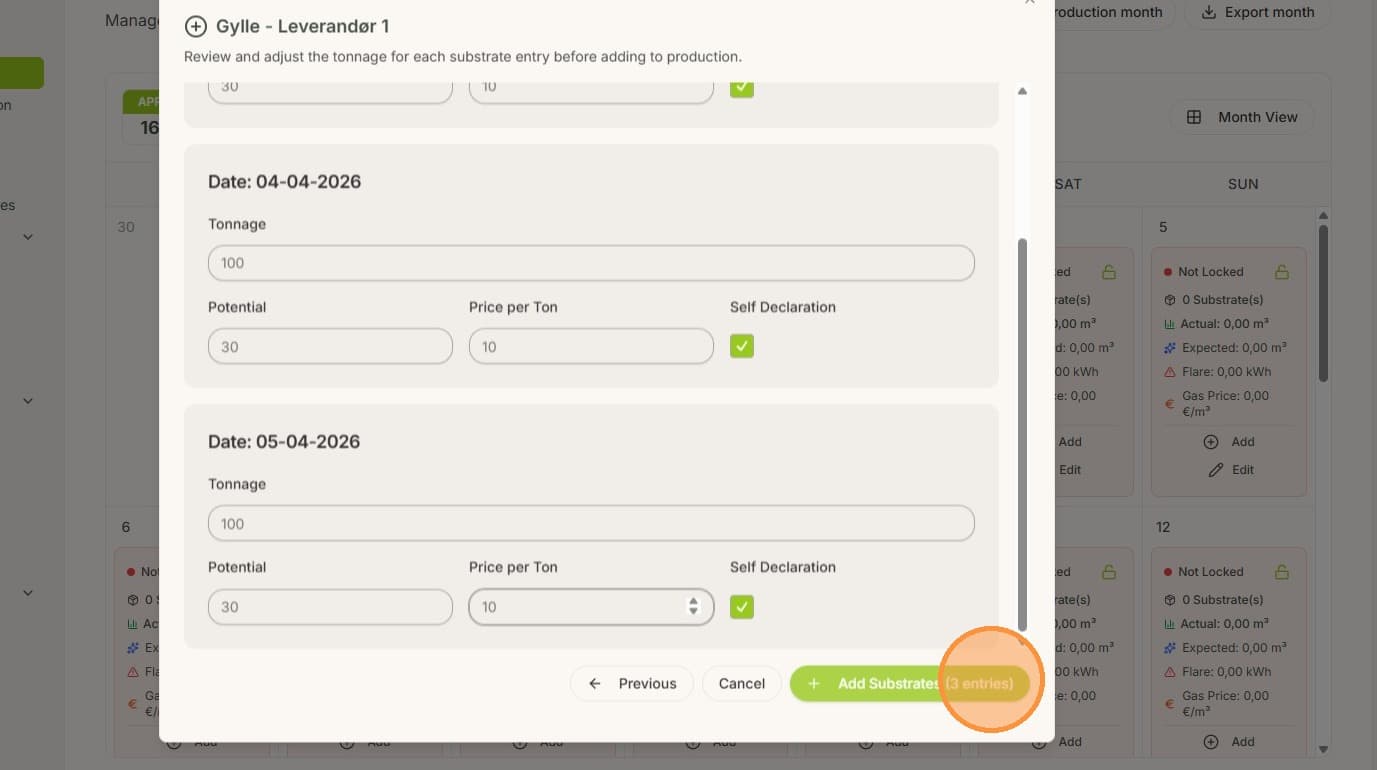
8. The added substrates can now be seen in the production overview for each day.