Back to category
Plant
November 2025
Plant Owner: Delete Biogas Production
Temporary Description
Plant Owner: Delete Biogas Production
Only works when the production day or month has not been locked yet.
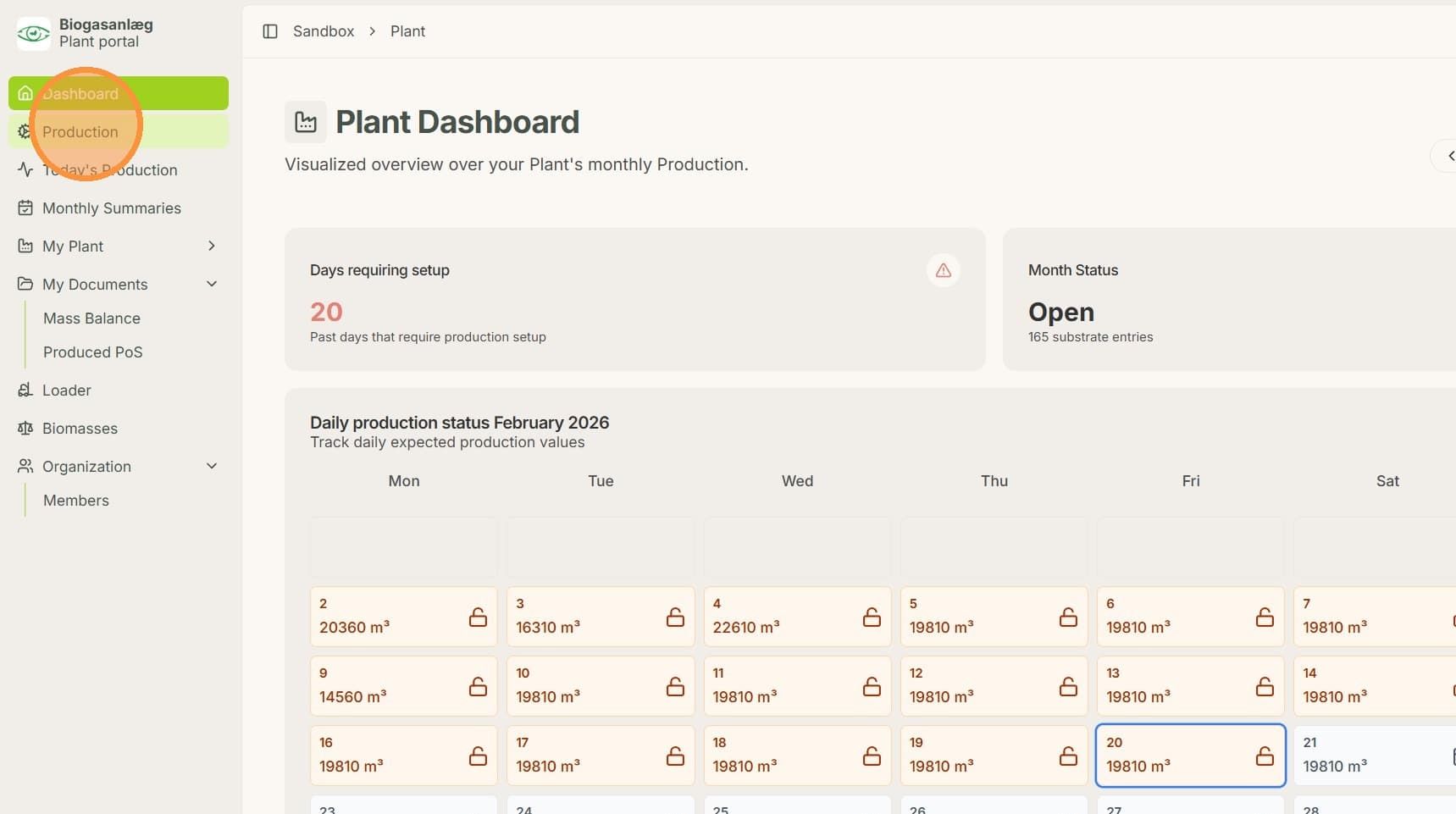
1. Click "Production"
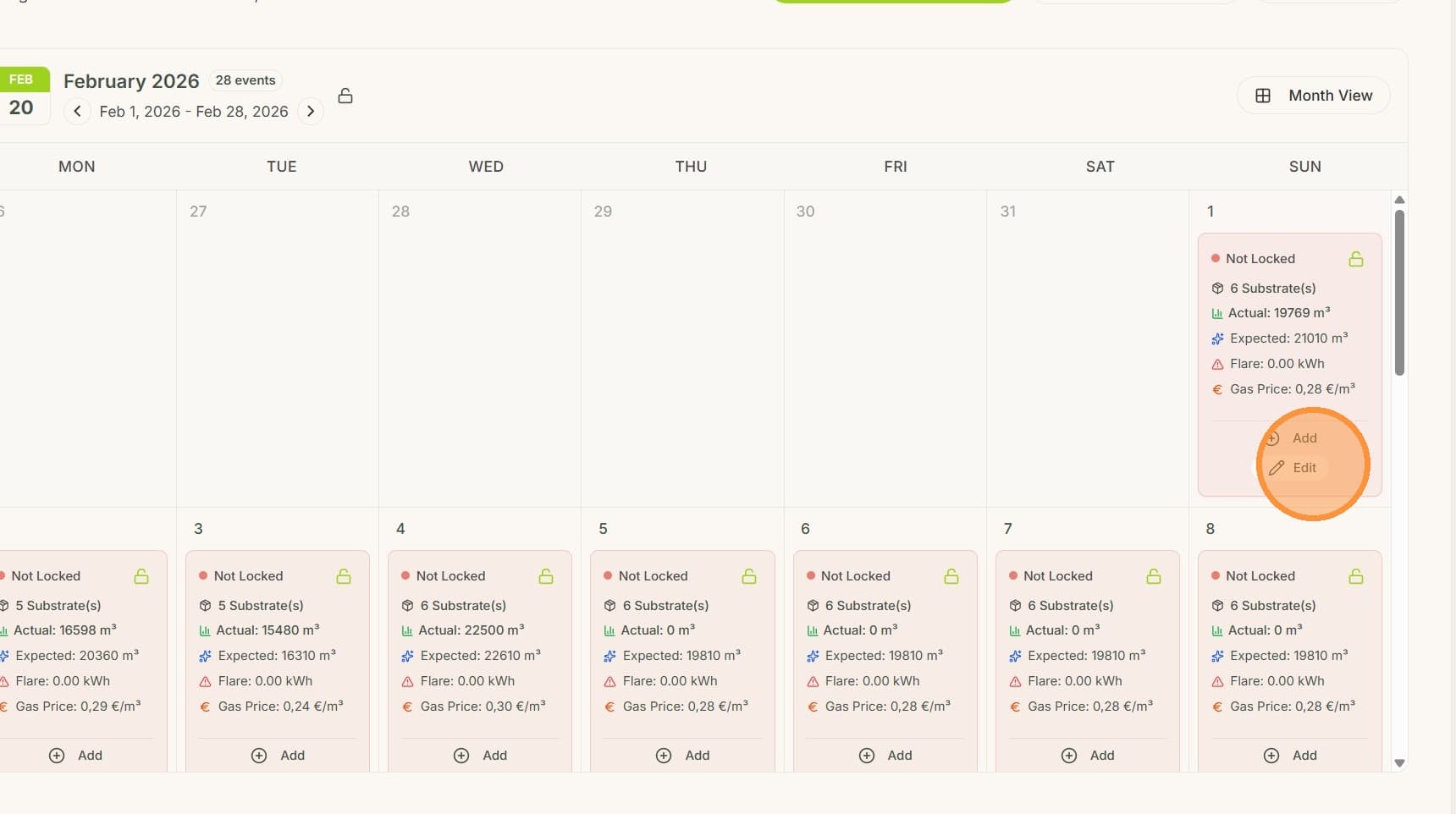
2. Click "Edit"
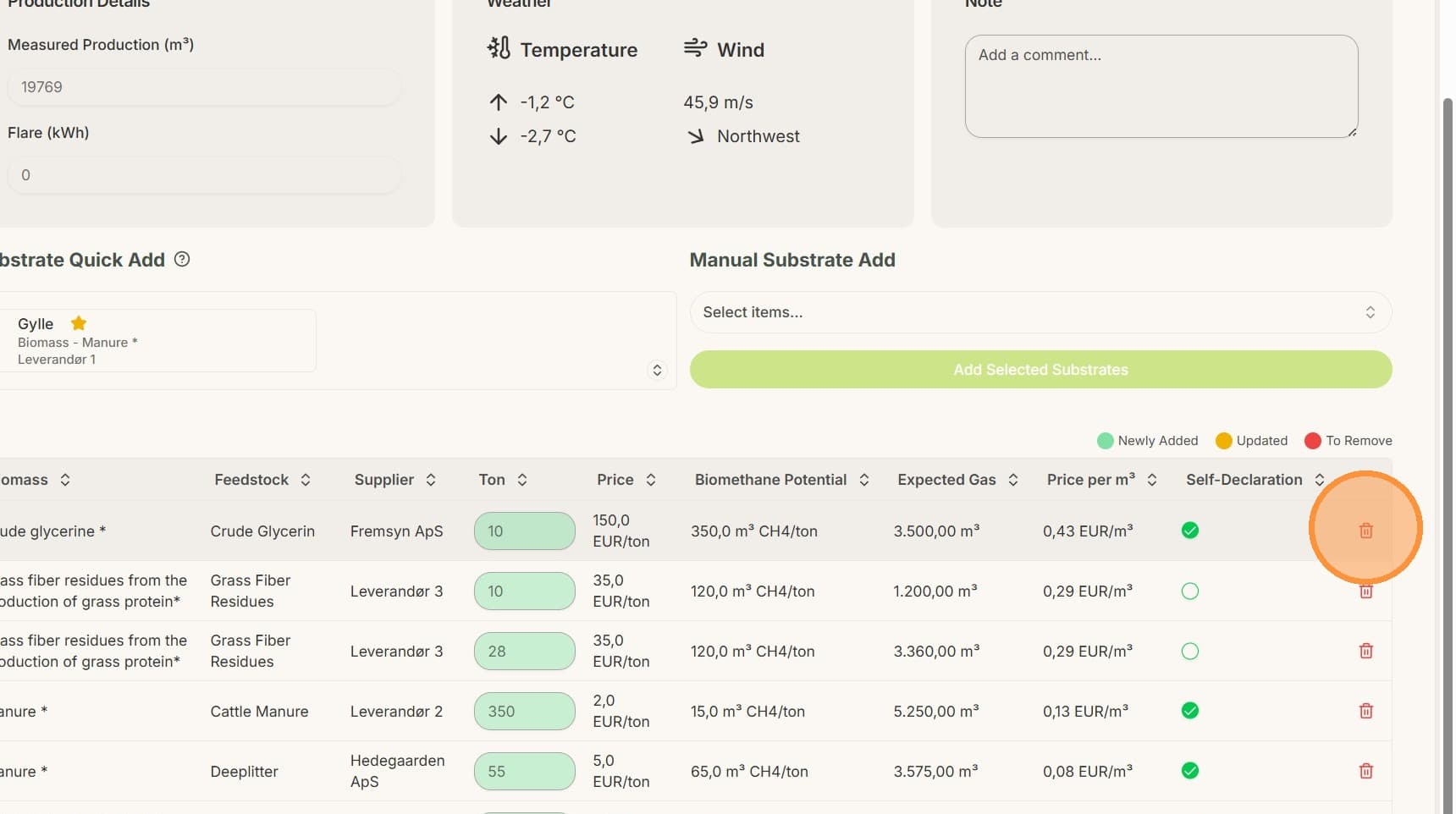
3. Click the delete button
4. Click "Save Updates"
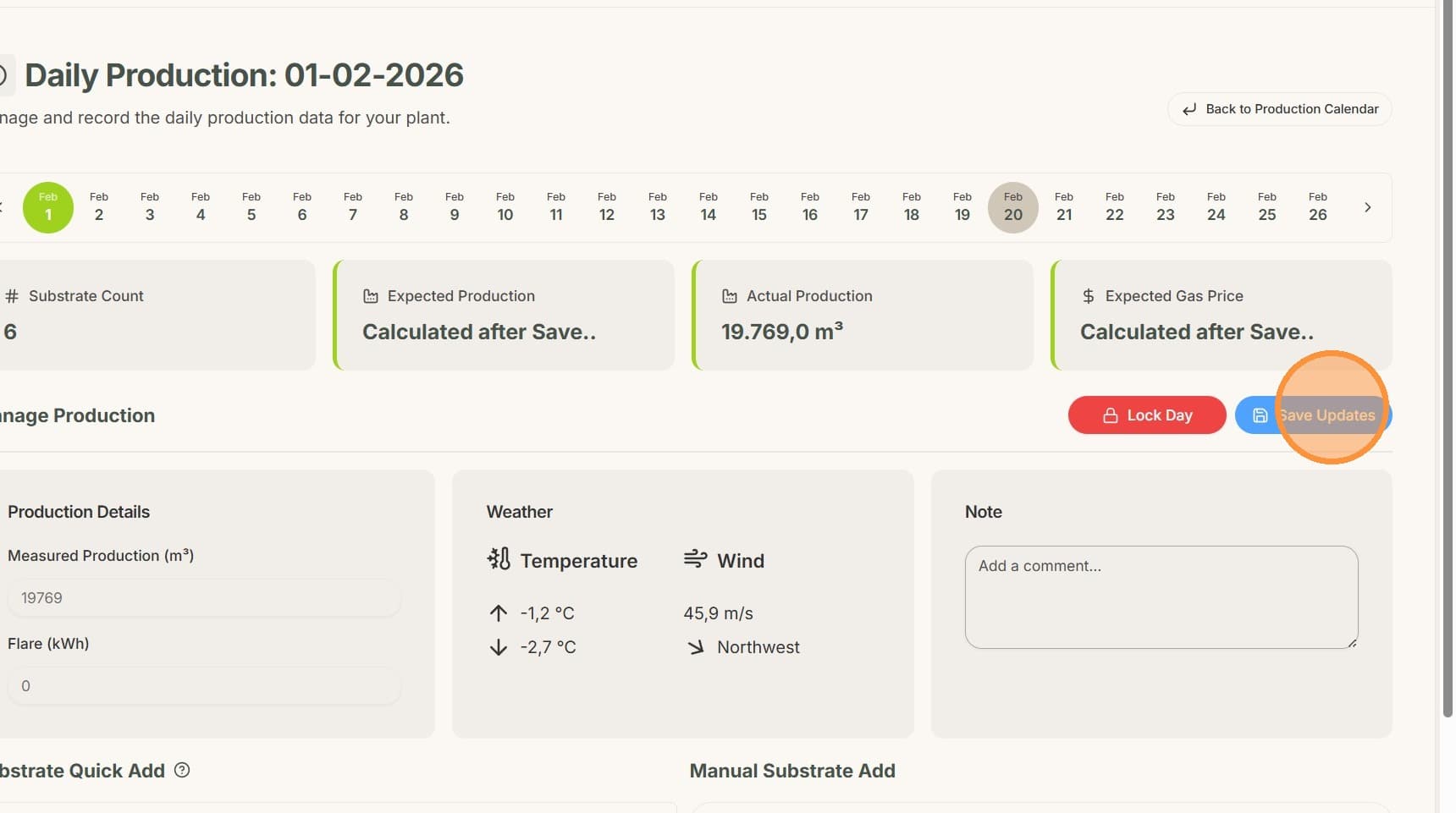
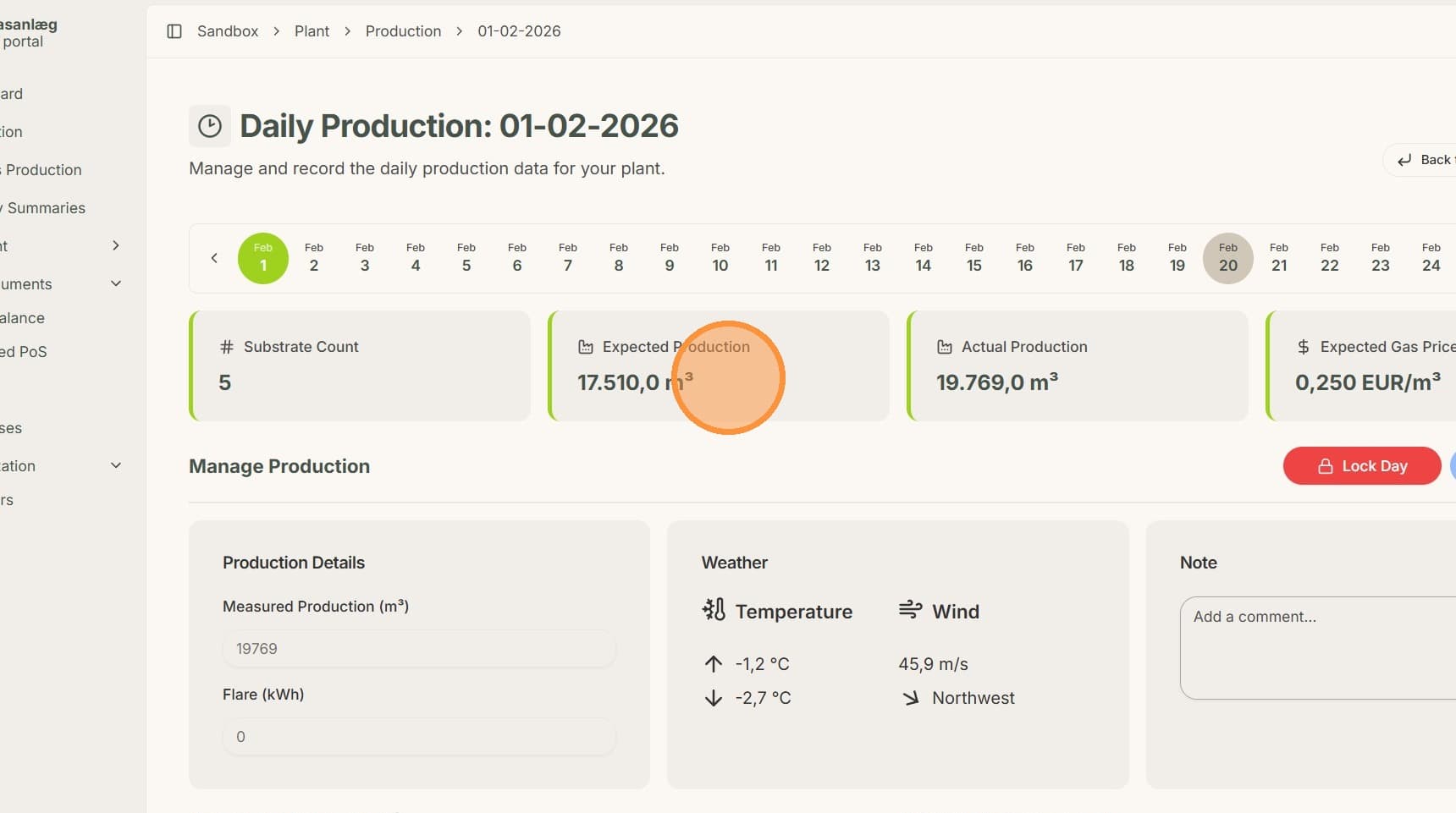
5. Expected Production is updated automatically