Back to category
Trader
March 2026
Add a new customer
Temporary Description
Add a new customer
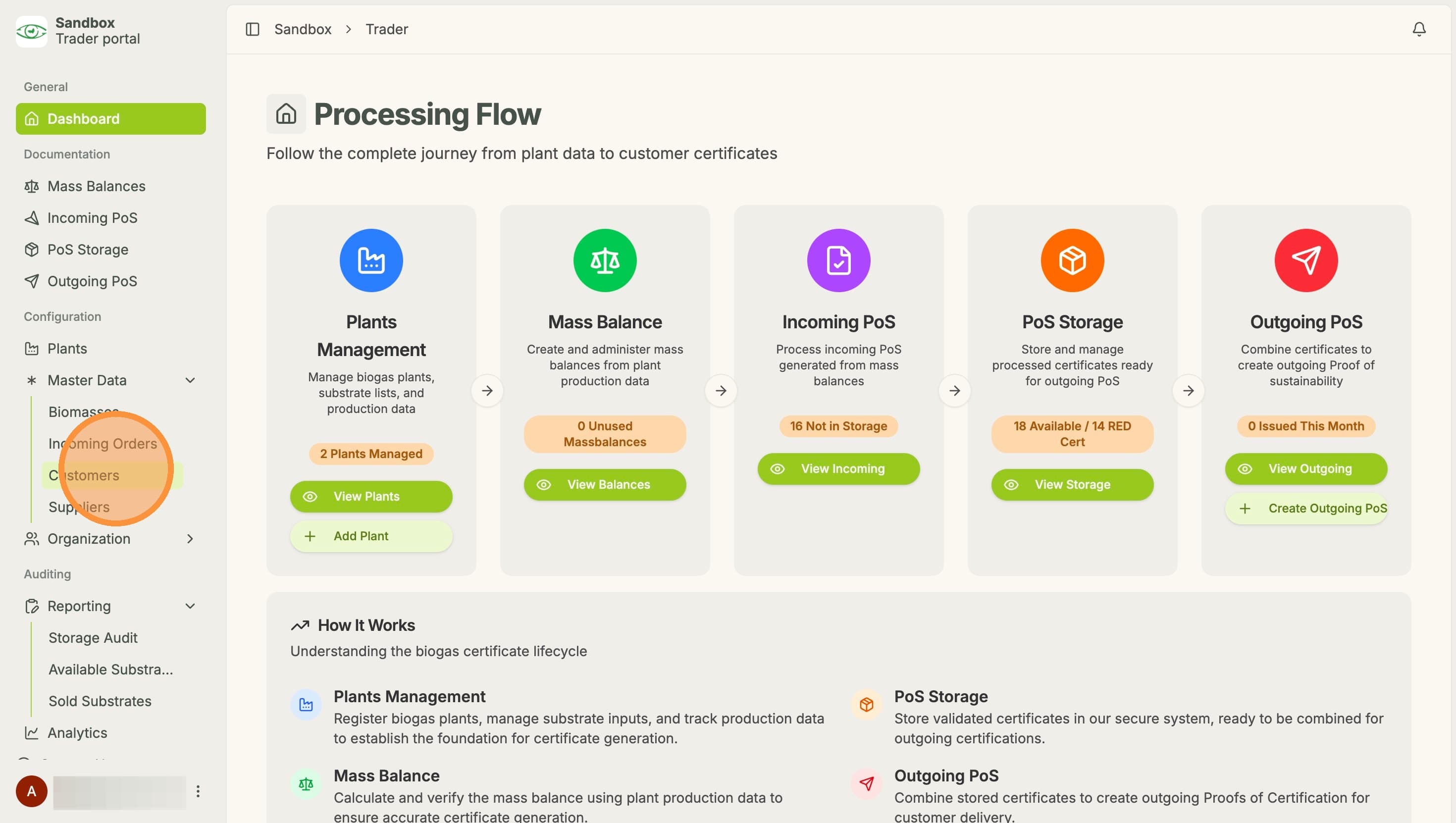
1. Click "Customers" under "Master Data"
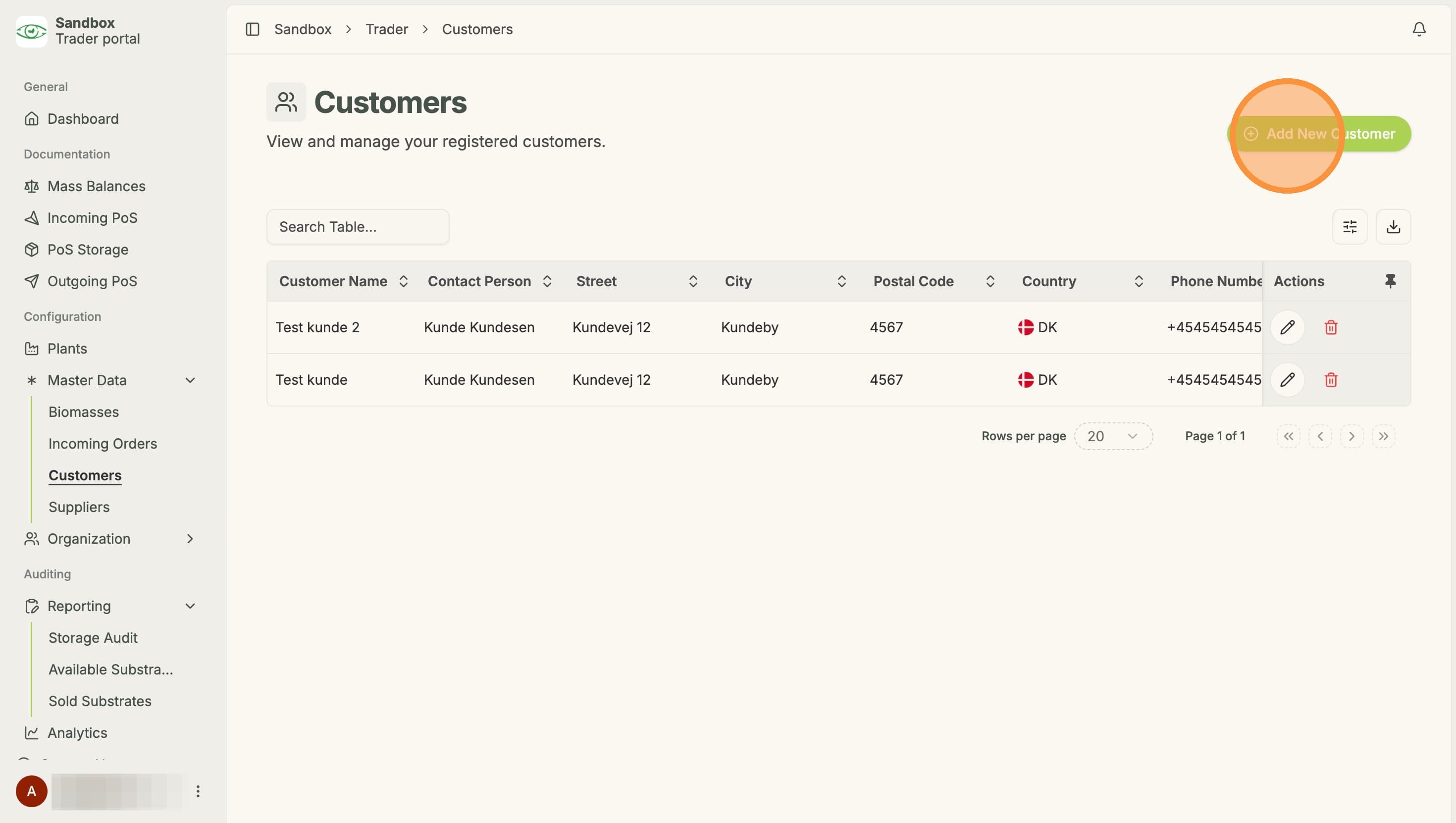
2. Click "Add New Customer"
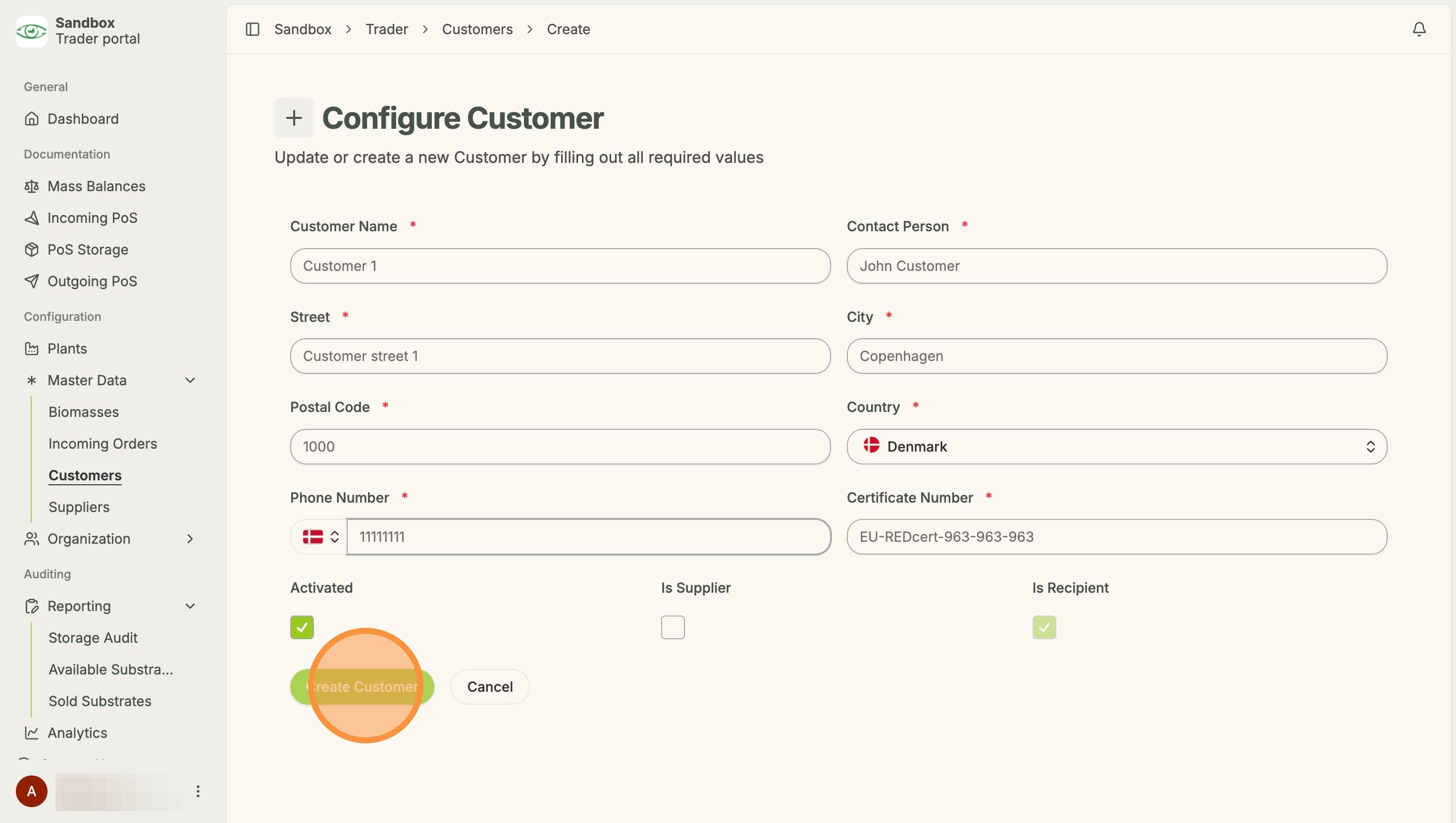
3. Fill out customer information and click "Create Customer"
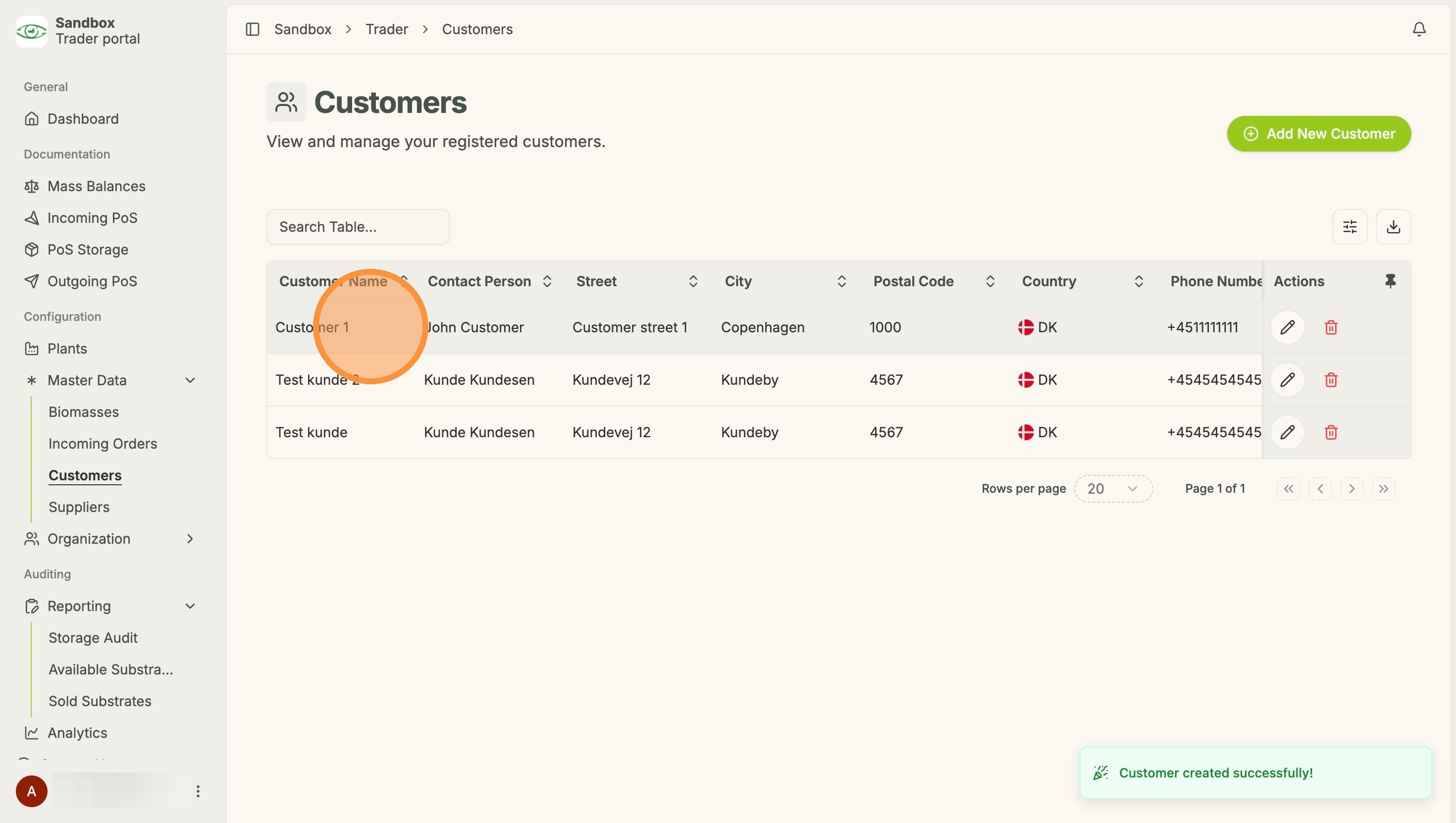
4. The new customer can now be seen under "Customers"