Back to category
Trader
March 2026
Add Incoming PoS to Storage
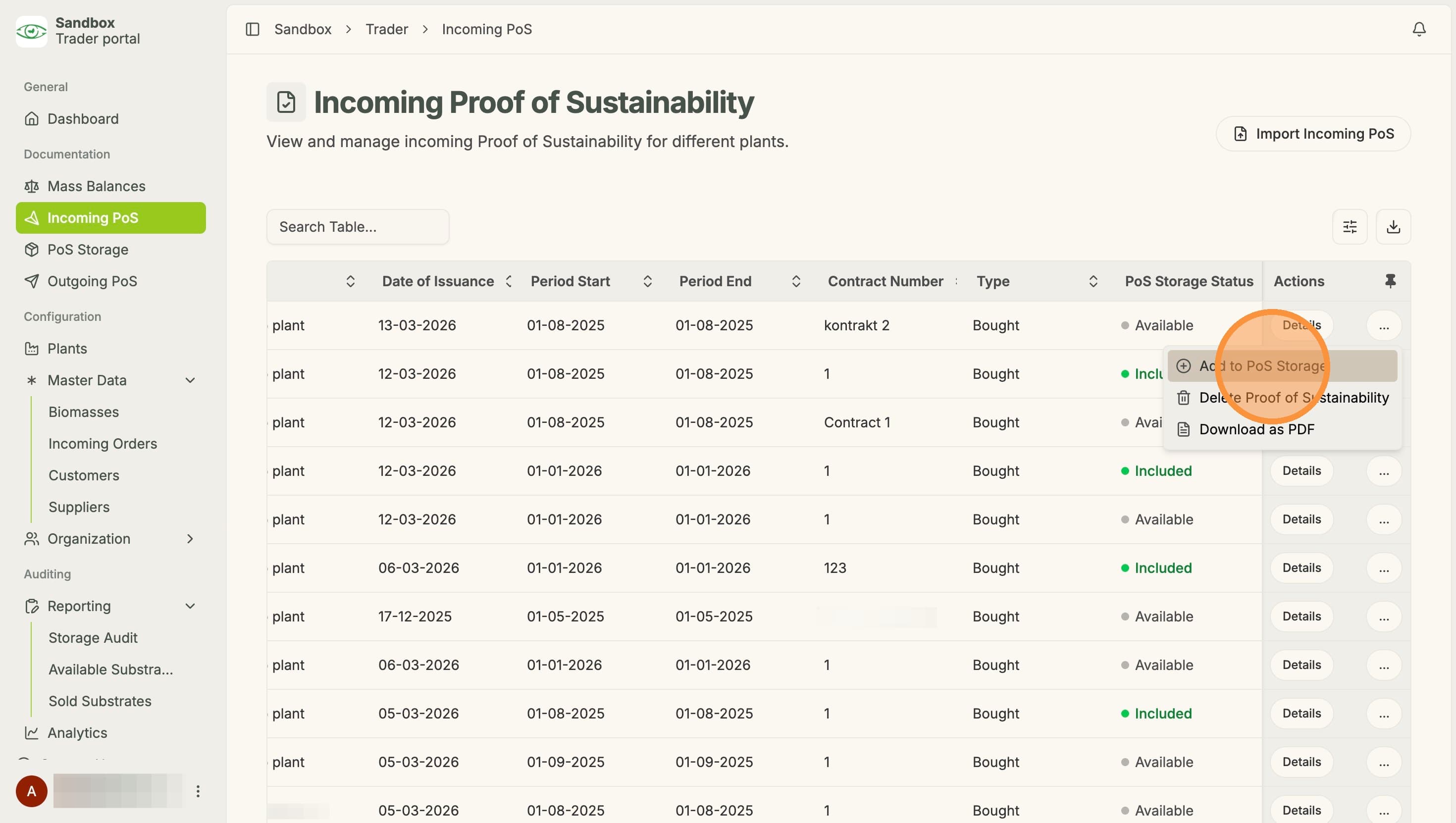
Temporary Description
Add Incoming PoS to Storage
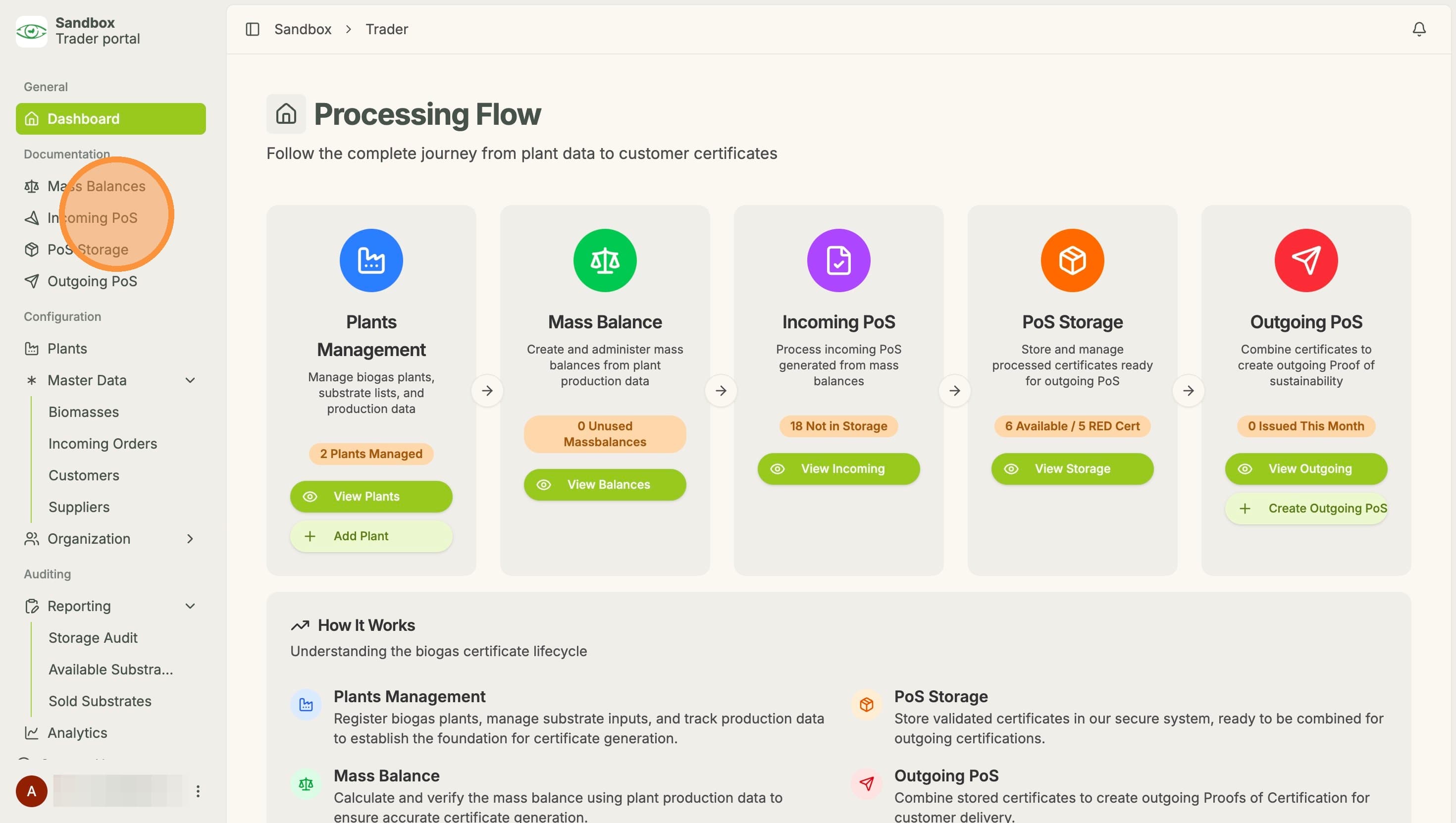
1. Click "Incoming PoS"
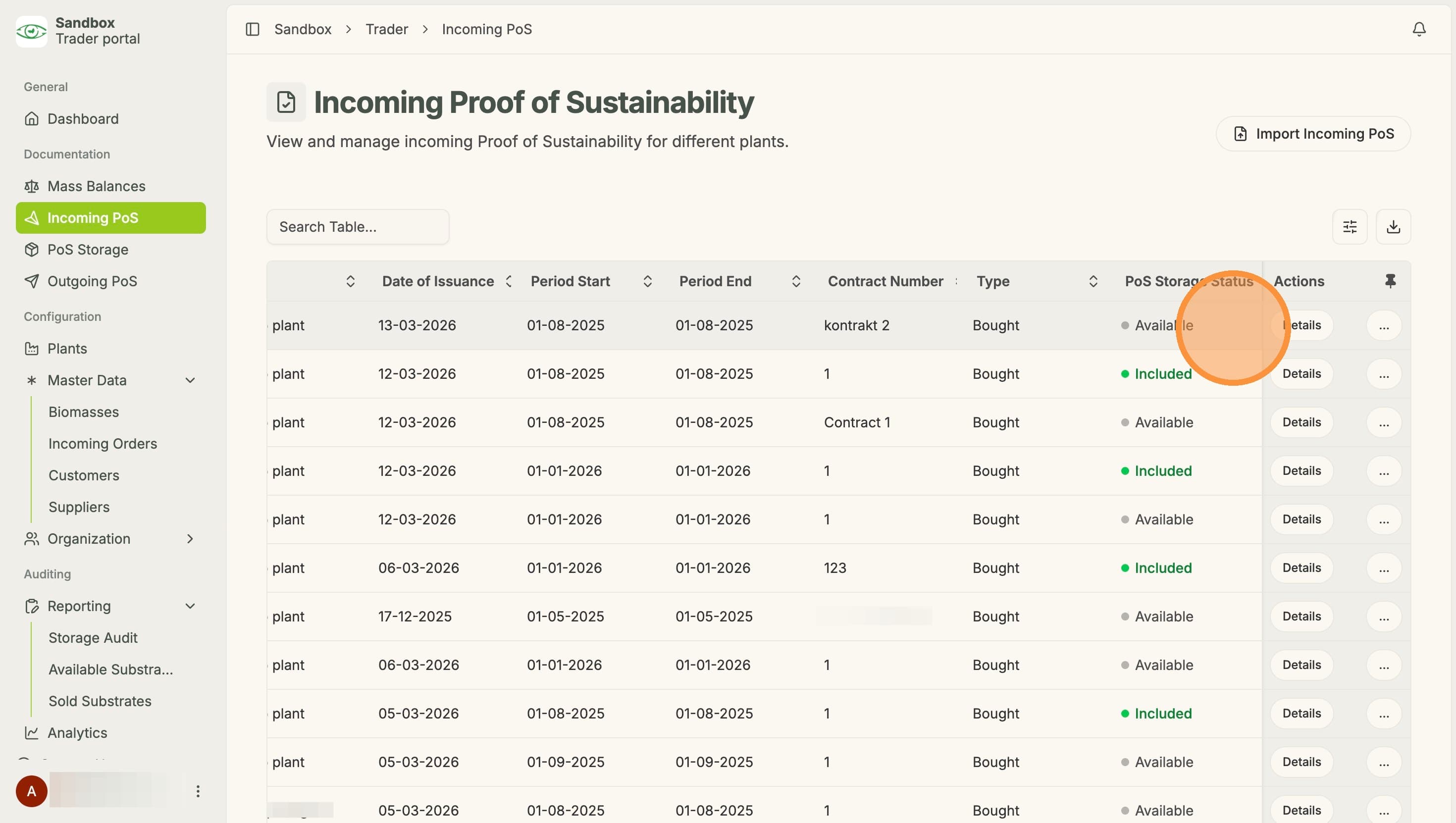
2. The storage status for each PoS can be seen here. Available PoS can be added, while included PoS already are in the storage
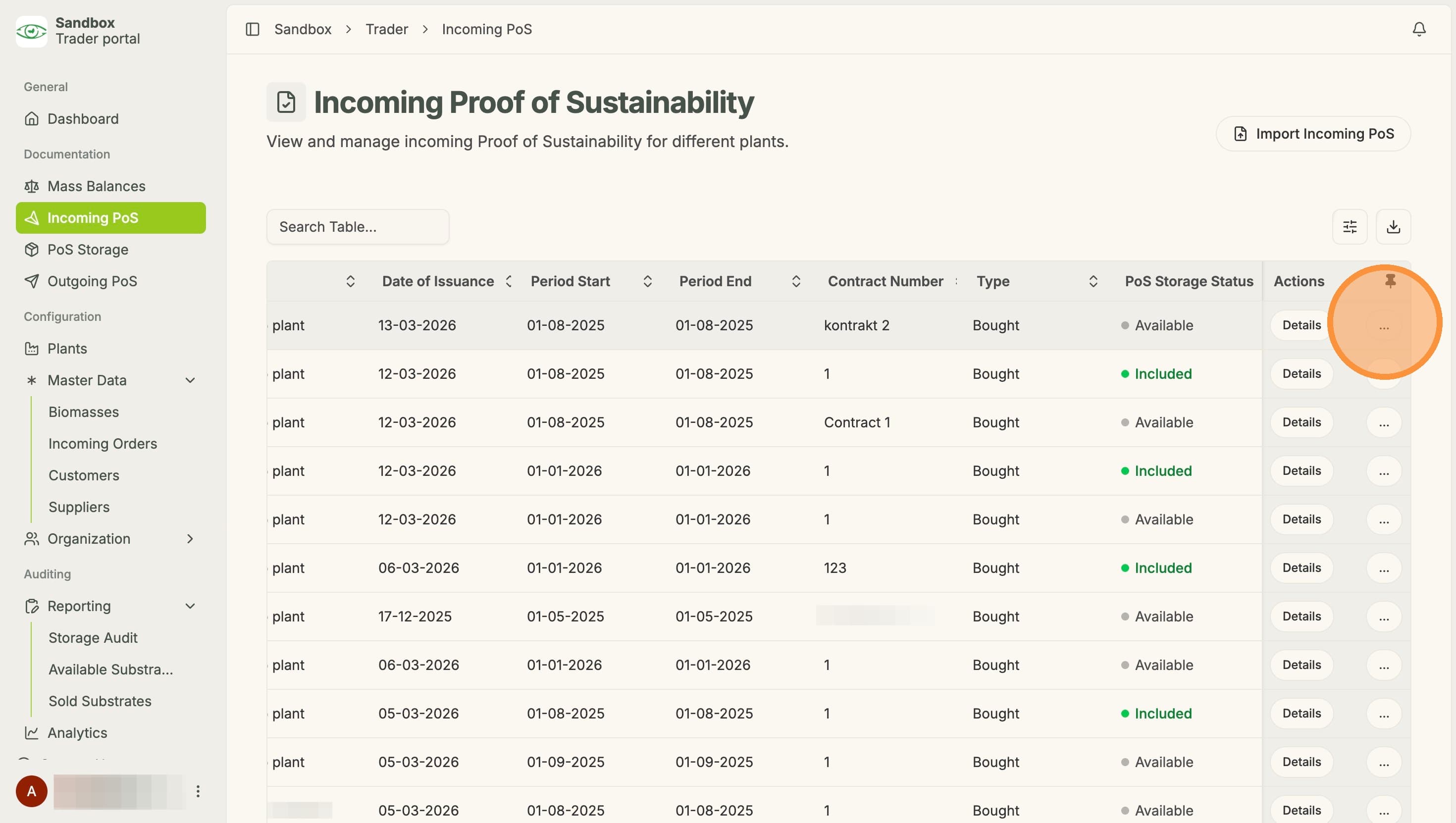
3. Next, click "..."
4. Then click "Add to PoS Storage". The PoS is then added to the storage