Back to category
Trader
March 2026
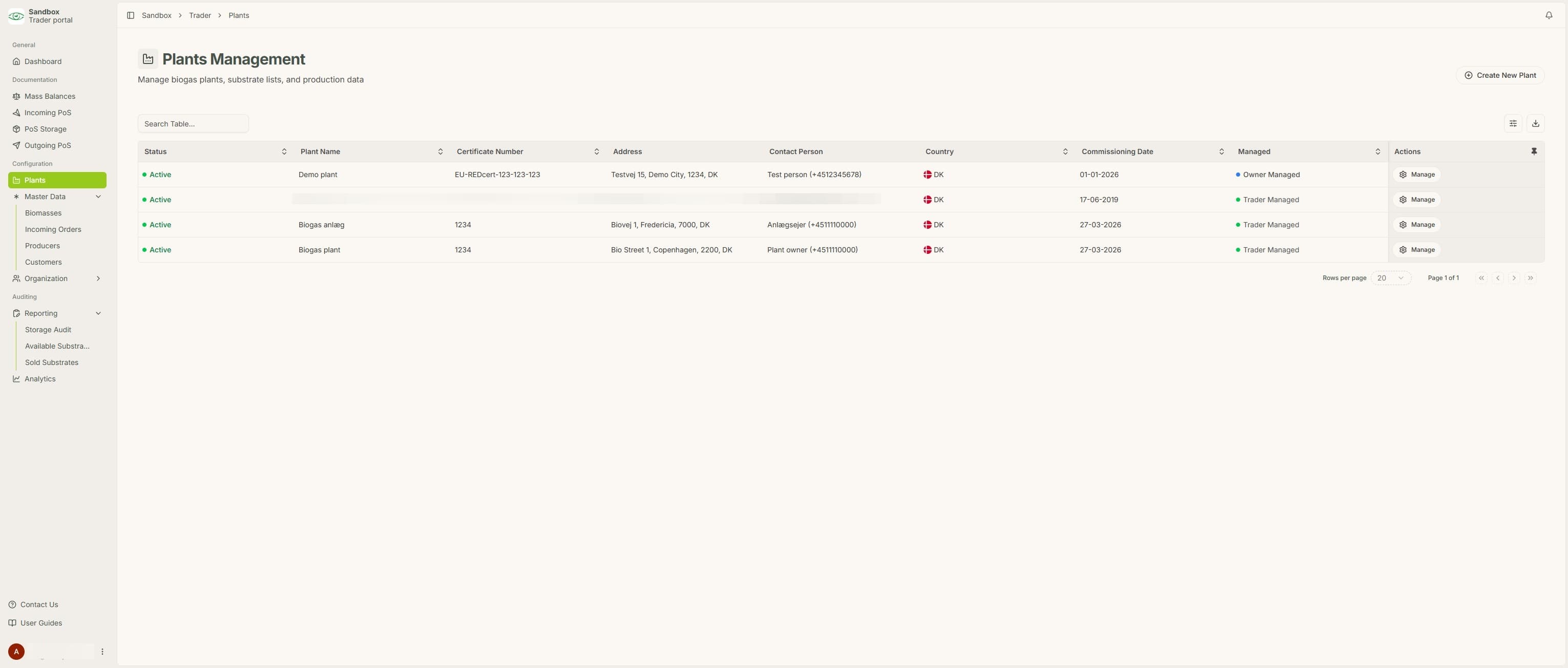
Creating A New Plant
Temporary Description
Creating A New Plant
Before a plant can sell certificates through BioLens, it has to be created in the system by the trader.
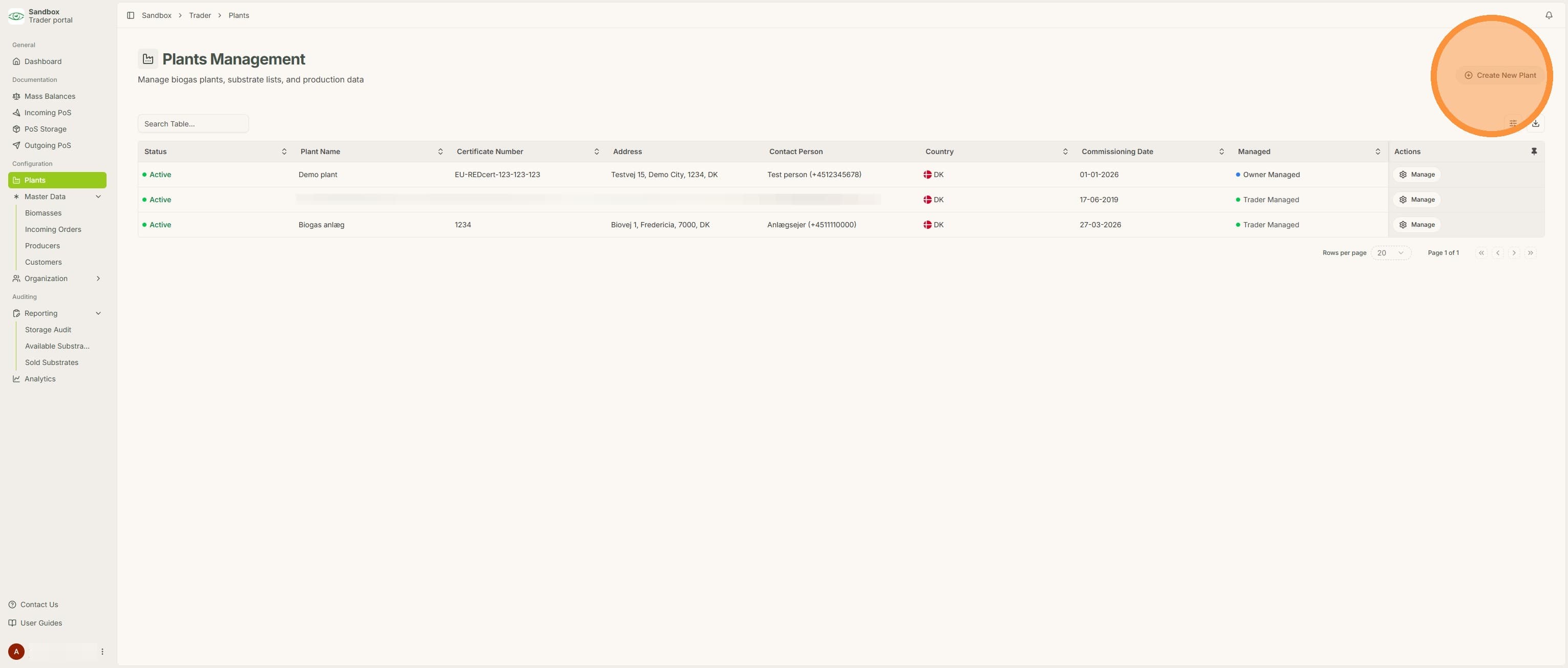
1. Under plants, click "Create New Plant"
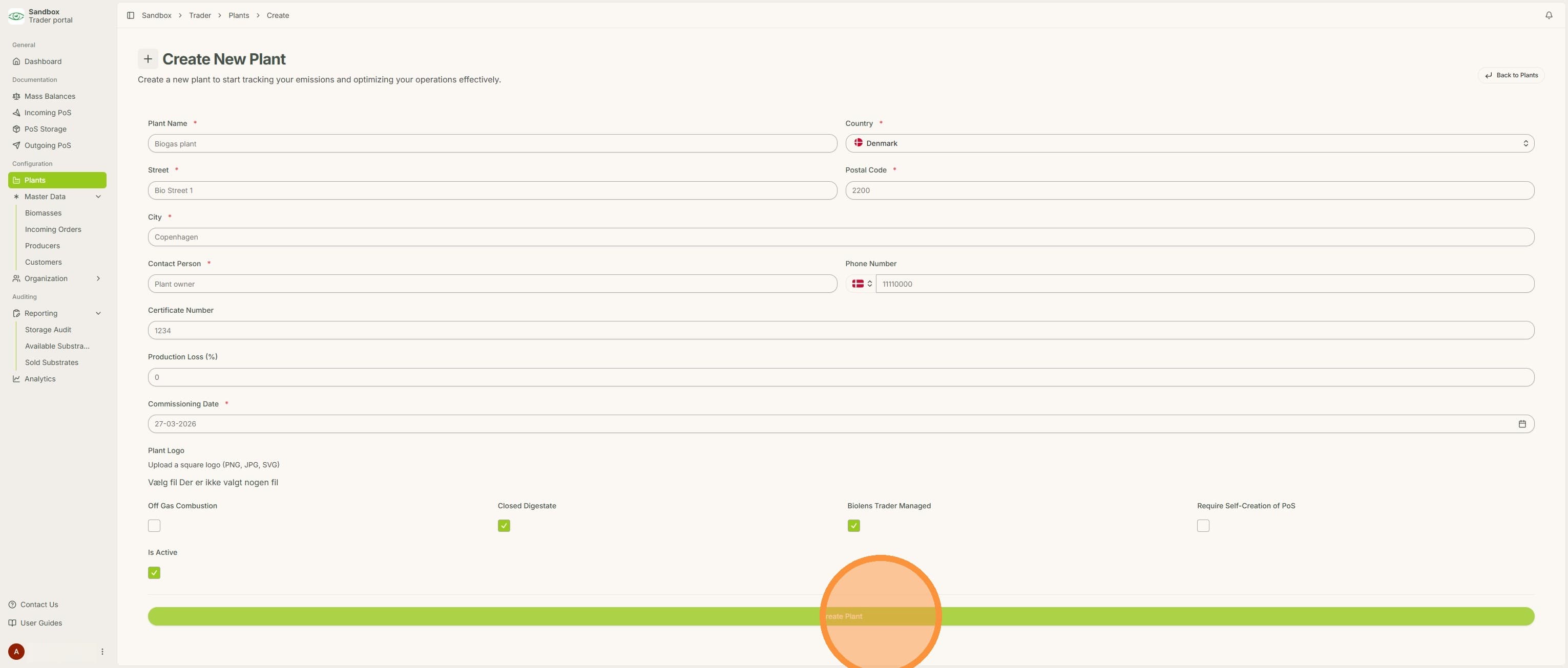
2. Fill out plant information and click "Create Plant"
3. The plant can now be seen under "Plants". Next step is to invite the plant owner to give the access to BioLens. See the "Invite plant owner to BioLens" FAQ.