Back to category
Trader
March 2026
Invite plant owner to BioLens
Temporary Description
Invite plant owner to BioLens
After a new plant has been created by the trader, the plant owner has to be invited to BioLens.
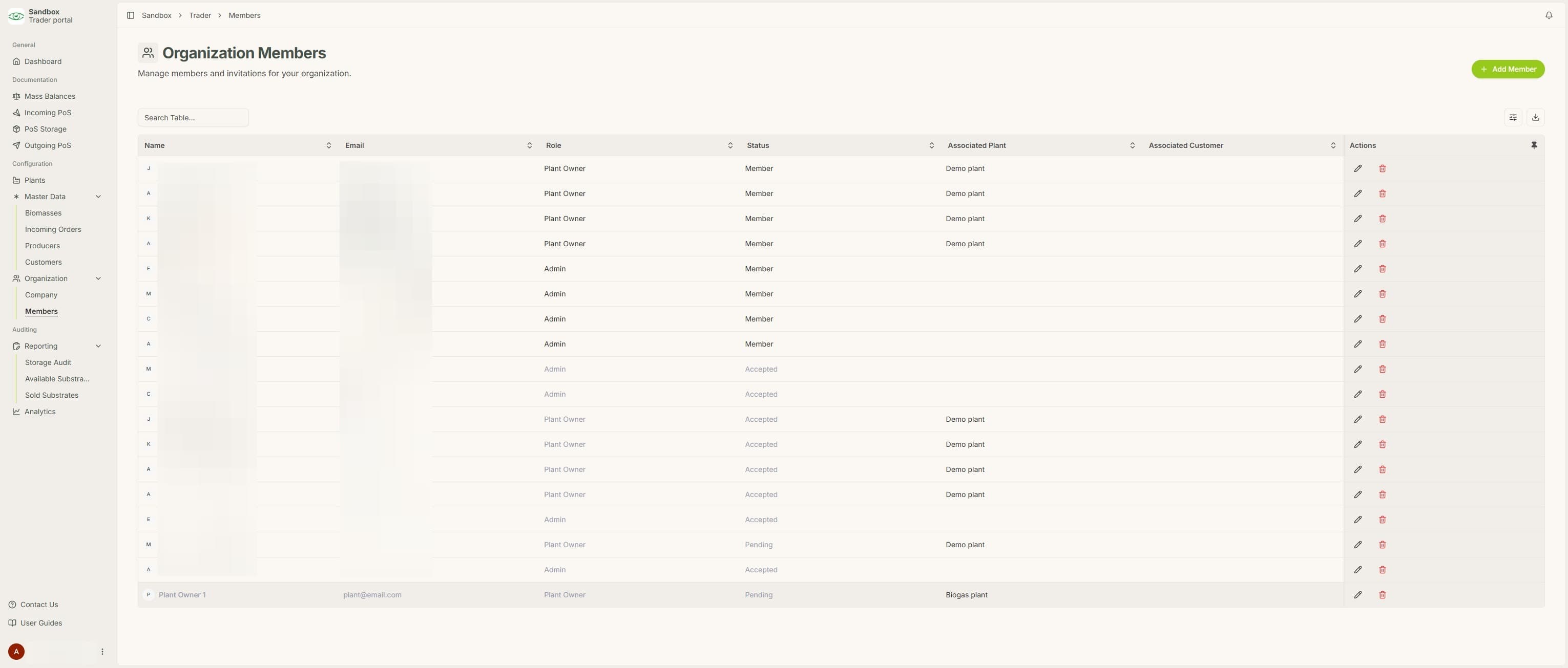
1. Navigate to "Members" under "Organization"
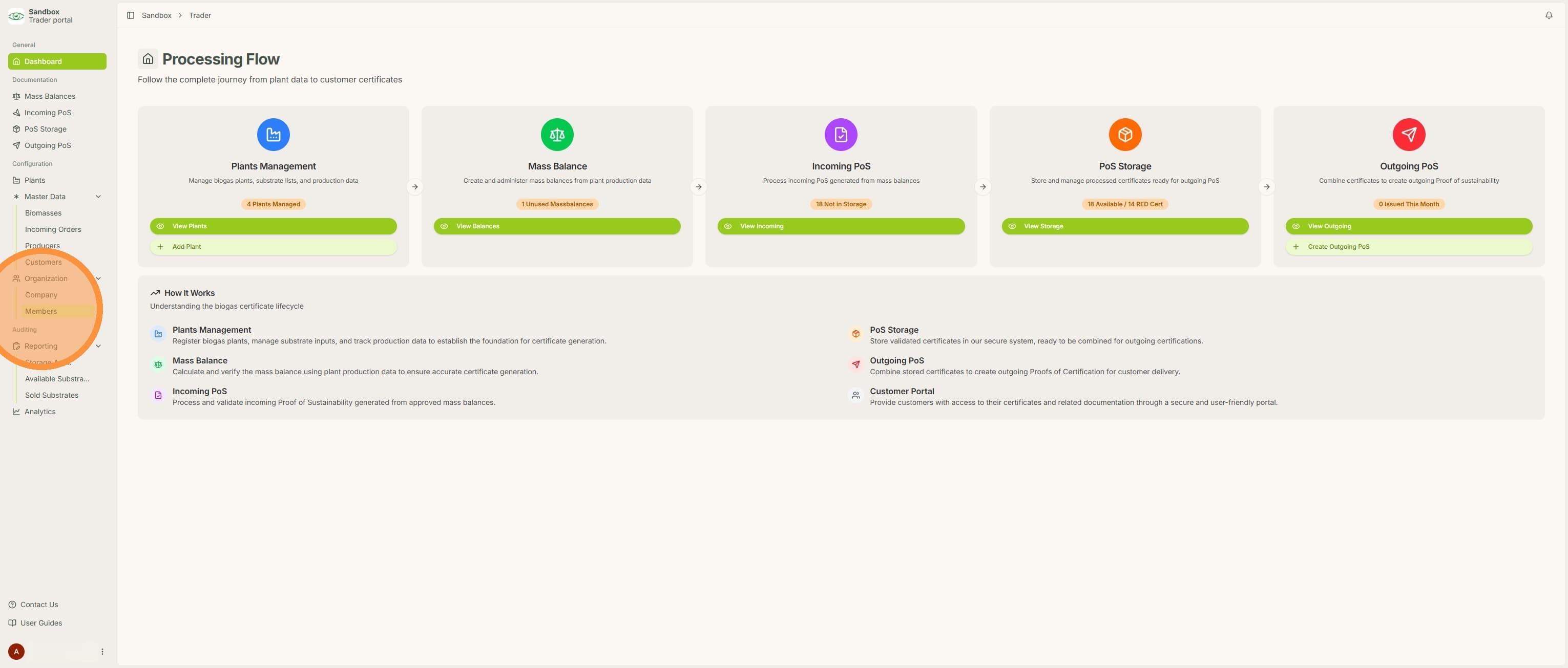
2. Click "Add Member"
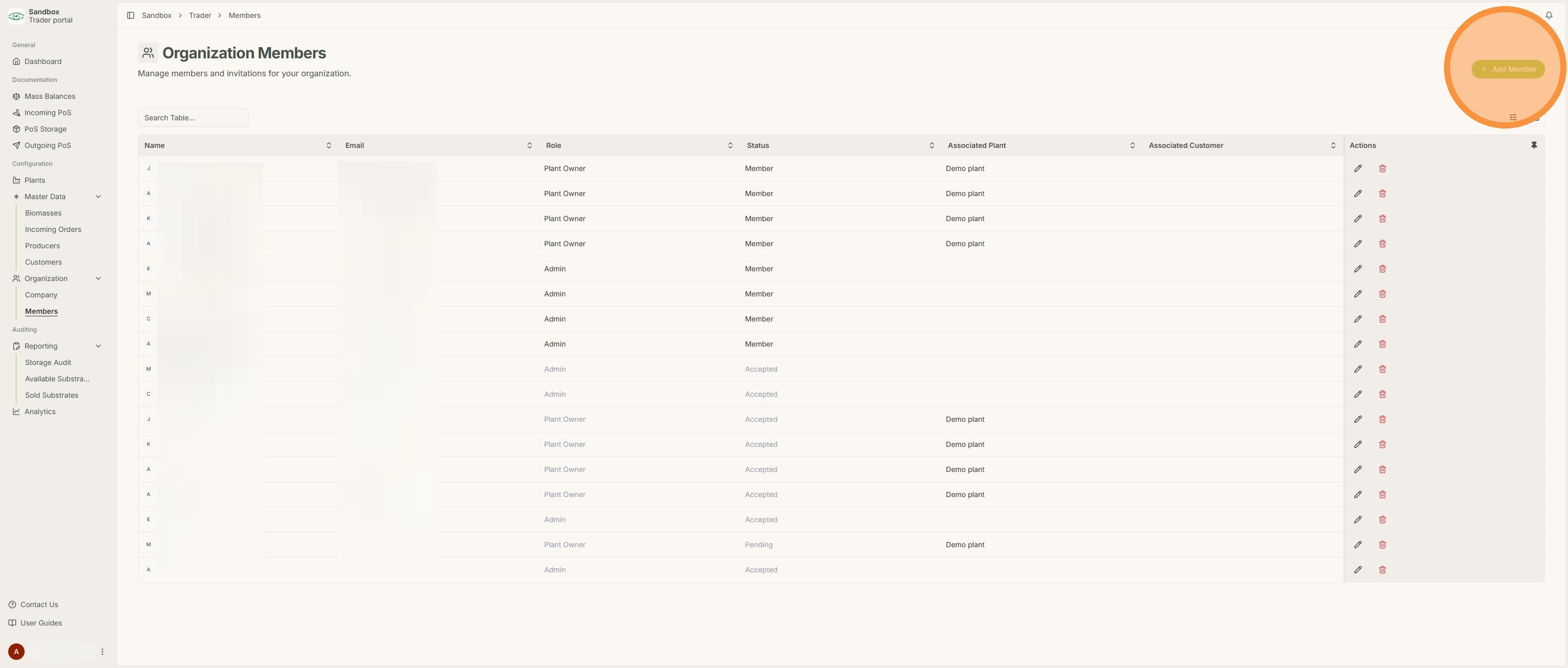
3. Fill out the plant owner's information and click "Send Invitation". The "Associated plant" dropdown menu will appear once the "Plant owner" role is selected
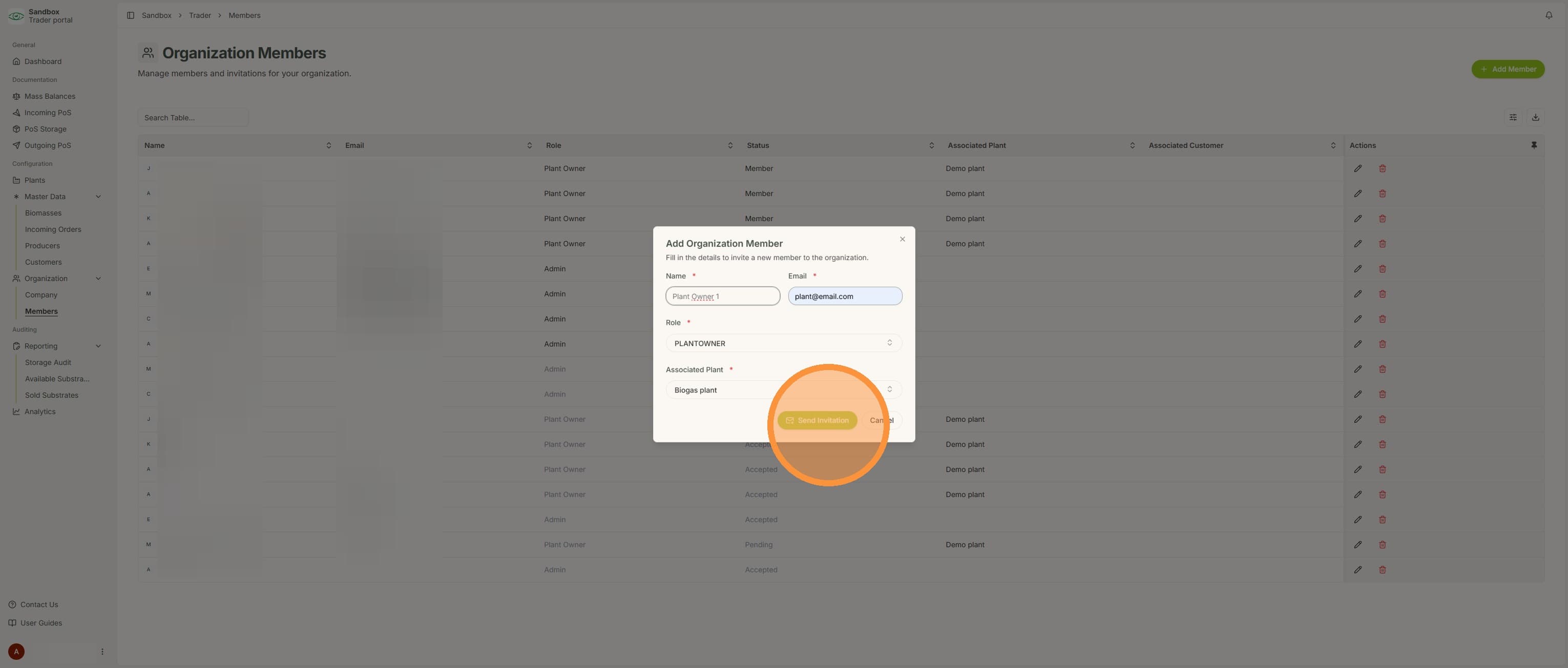
4. Once the plant owner has been added they will receive an invitation via email allowing them to join their new plant.